
KDP Niche Research: How to Check a Niche Before You Make the Book
Check a KDP niche before you make the book: are new books ranking on page one, and is a top result one buyers dislike? A step-by-step method.
By The DT Labs team · · 6 min read
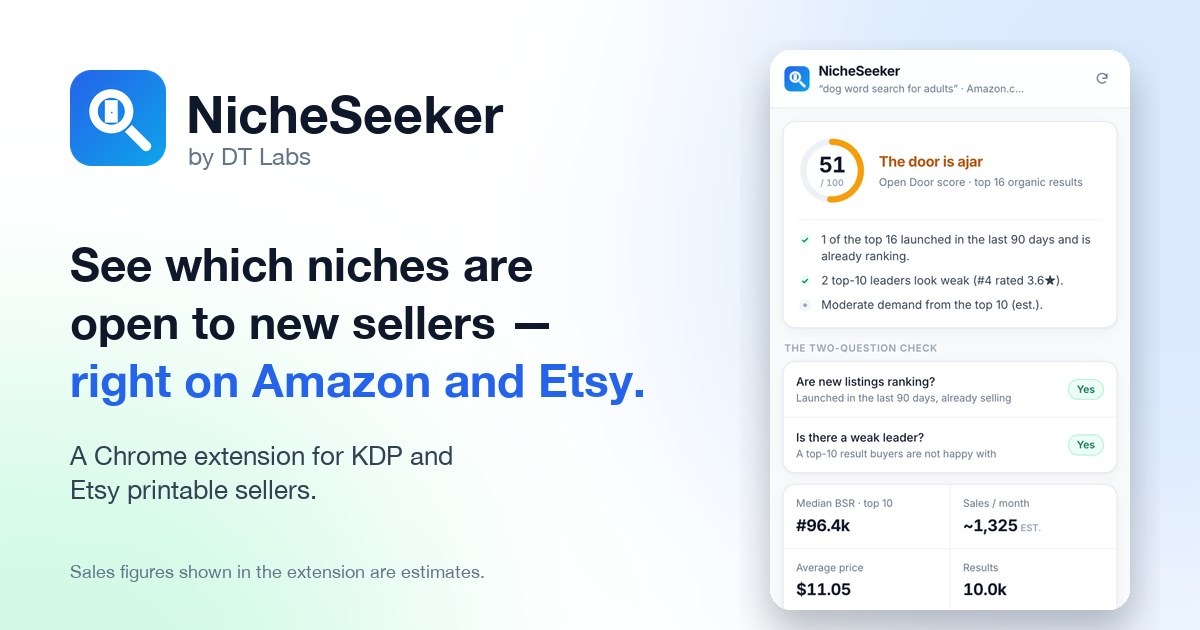
KDP niche research means checking, before you make a book, whether buyers in that search are still willing to try a new title. The quickest honest check is two questions: is anything published in the last 90 days already ranking on page one, and is one of the top results a book buyers are clearly unhappy with? Two yeses is a niche worth a closer look. Two noes means move on before you spend a weekend on the interior.
In short: search the keyword on Amazon in Books, look at the top 16 results, write down each book's publish date, Best Sellers Rank, rating and review count, then answer the two questions. Doing it by hand takes about an evening per keyword; NicheSeeker shows the same answers on the search page itself.
Why "low competition" is the wrong first question
Most niche lists sort by how few books there are. That sounds sensible, but a search with almost no books is very often empty because nobody is buying there. You only find that out after the book is live and the dashboard stays at zero.
The opposite mistake is just as common: a big, busy niche where the first page is held by books with thousands of reviews that have sat at the top for years. Plenty of buyers, but they already have a favourite.
The useful question sits between those two: is this niche letting new books in right now? If something launched recently is already selling, buyers here try new titles. That tells you more than any count of competitors.
Step 1: search the way a buyer does
Go to Amazon.com, choose Books in the search menu, and type the phrase a buyer would type — "dog word search for adults", "christmas coloring book for toddlers", "large print sudoku". Use the marketplace you plan to sell in; results on amazon.co.uk or amazon.de can look quite different.
Look only at the organic results. Rows marked Sponsored are adverts: someone paid for that spot, so they tell you about advertising budgets, not about what buyers choose.
Step 2: write down four facts for the top 16 results
Open each of the first 16 organic results and note:
| What to note | Where to find it | What it tells you |
|---|---|---|
| Publication date | Product details | Whether new books can reach page one |
| Best Sellers Rank (BSR) in Books | Product details | How well it sells right now, compared with other books |
| Star rating | Under the title | Whether buyers are happy with what's there |
| Number of ratings | Next to the stars | How established the book is |
A spreadsheet with four columns is enough. Sixteen rows covers the first page and a bit; buyers rarely scroll further.
About BSR: a lower number means more recent sales. Amazon updates it often and does not publish real sales figures, so any "sales per month" number you see — from any tool — is an estimate worked out from the rank. Use it to compare books in the same search, not as a promise of what a new book will sell.
Step 3: the 90-day test — are new books ranking?
Count how many books on your list were published in the last 90 days and still have a good BSR. One or two recent books holding their own on page one is the clearest sign that buyers in this search try new titles.
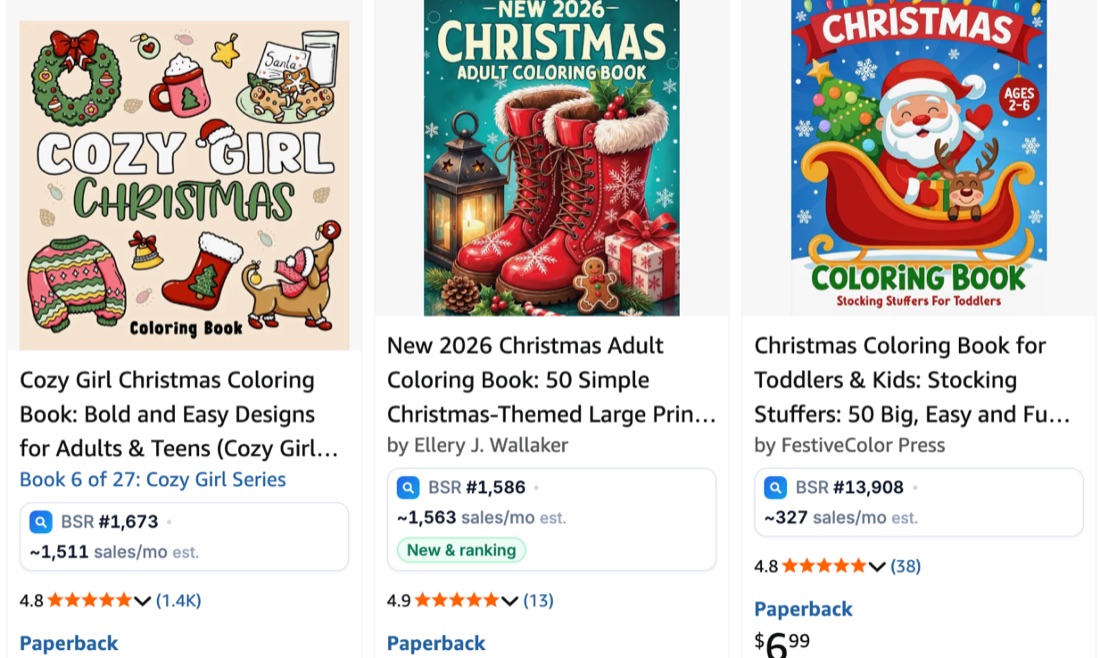
If every book on page one is several years old and has hundreds or thousands of ratings, the door is mostly shut. It isn't impossible, but a new book will be fighting for attention from day one.
Step 4: look for a weak leader
Now look at the top ten again, this time for a book that sells well but disappoints its readers. A useful rule of thumb: rated under 4.0 stars with 20 or more ratings, or a low-content book whose "Look inside" shows a thin or careless interior.
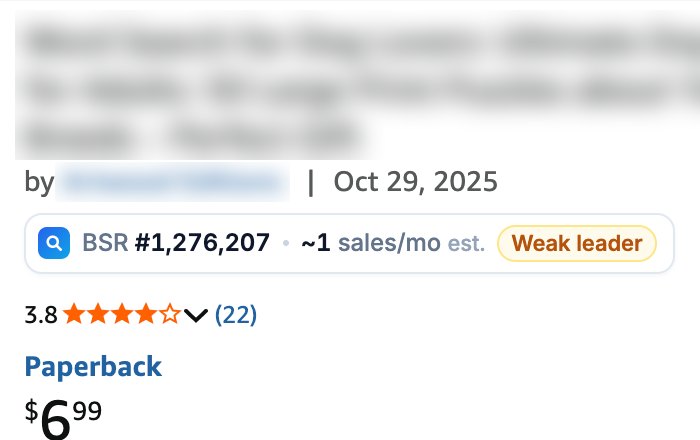
A weak leader looks like competition, but it's closer to an opening. Buyers keep finding it because it's what's there. Read its 1–3 star reviews: they are a free list of what the next book should do better — bigger print, answer keys, fewer repeated puzzles, a sturdier binding size.
You don't need to beat the leader on reviews. You need to make the version those reviewers were looking for.
Step 5: decide with the two questions
| New books ranking? | Weak leader? | What it usually means |
|---|---|---|
| Yes | Yes | A door worth walking through — check a few close variations and start |
| Yes | No | Open, but you'll need a clearly better or more specific book |
| No | Yes | Buyers are unhappy but loyal to the top — a better book may still take time |
| No | No | Move on to the next keyword |
Two more checks before you commit:
- Is the search still alive? If the best BSR on page one is very high (a large number), few copies are selling in that search at all.
- Can you make it well? A good niche for a coloring book is no use if your strength is puzzles. Pick niches where you can make the better book.
Etsy works the same way, with different signals
On Etsy, look at page one of the search and note: how many shops in the top results have fewer than 25 reviews (new shops getting found), which listings are on sale, and where prices sit against the middle of the page. A top result from a low-rated shop is Etsy's version of a weak leader. Etsy doesn't show sales ranks, so the "new shop ranking" signal does most of the work.
Doing this faster
The method above is free and it works. The catch is time: 16 product pages per keyword, four facts each, then the same again for the next five keywords you're comparing.
NicheSeeker is a Chrome extension from DT Labs that does that legwork on the search page you already have open. It adds a small strip under each result with the rank, an estimated monthly sales figure and the publish date, labels New & ranking books and Weak leaders, and gives the search a 0–100 score with the reasons written out in plain English.
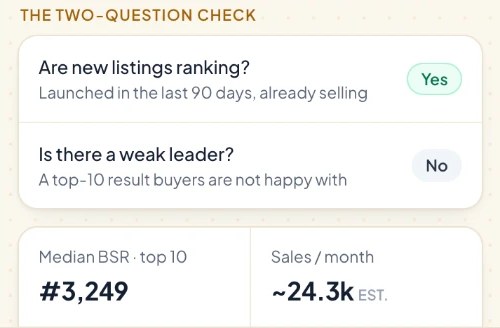
It's an estimate tool, not a crystal ball — figures change daily, and a good score is a reason to look closer, not a guarantee that a book will sell.
After you pick the niche
Once a niche passes the check, the book itself is the next job:
- Choose the format and size — see trim sizes for puzzle books.
- Work out the price and royalty before you design — the KDP royalty calculator and the 50% royalty rule under $9.99 explain why price matters more than it looks.
- Build the interior — for example, how to make a word search book for KDP with the free word search maker.
Frequently asked questions
What is a good BSR for a KDP niche?
There's no single number, because BSR depends on the category and the season. Compare the books on page one with each other: if several sit at a much lower (better) rank than the rest, that search is selling. A page where even the top result has a very high rank is a quiet search.
How many books should I look at when researching a niche?
The first 16 organic results is a practical amount: it covers page one and the start of page two, which is where almost all clicks go. Skip sponsored results — they show who is advertising, not what buyers choose.
Is a low-competition niche good for KDP?
Not on its own. Few books in a search often means few buyers. A better sign is a niche where books published in the last 90 days are already ranking, because it shows buyers there try new titles.
What is a weak leader?
A book in the top ten that sells but disappoints readers — for example under 4.0 stars with 20 or more ratings. Its low reviews show what buyers want fixed, which gives a new book a clear way to be better.
Do niche research tools show real sales?
No. Amazon doesn't publish sales numbers, so every tool estimates monthly sales from the Best Sellers Rank. Treat the figures as a way to compare books in the same search, not as exact sales.
Can I use the same method for Etsy printables?
Yes, with Etsy's signals: count new shops (under 25 reviews) in the top results, look for a top listing from a low-rated shop, and see where prices sit against the middle of page one. Etsy has no sales rank, so new shops ranking is the main signal.
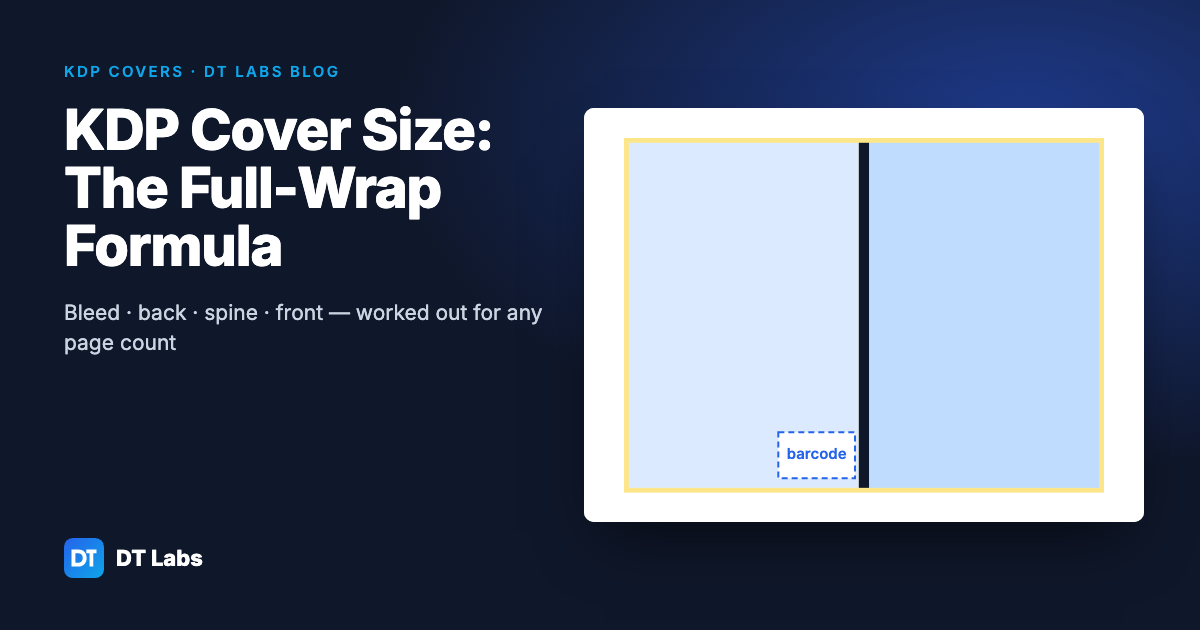
KDP Cover Size: How to Work Out a Full-Wrap Paperback Cover
A KDP paperback cover is one image: back, spine and front, plus bleed. Here is the formula, the spine width per page for each paper, worked examples for common trim sizes and the pixel size to export at.
Nov 2, 2026 · 4 min read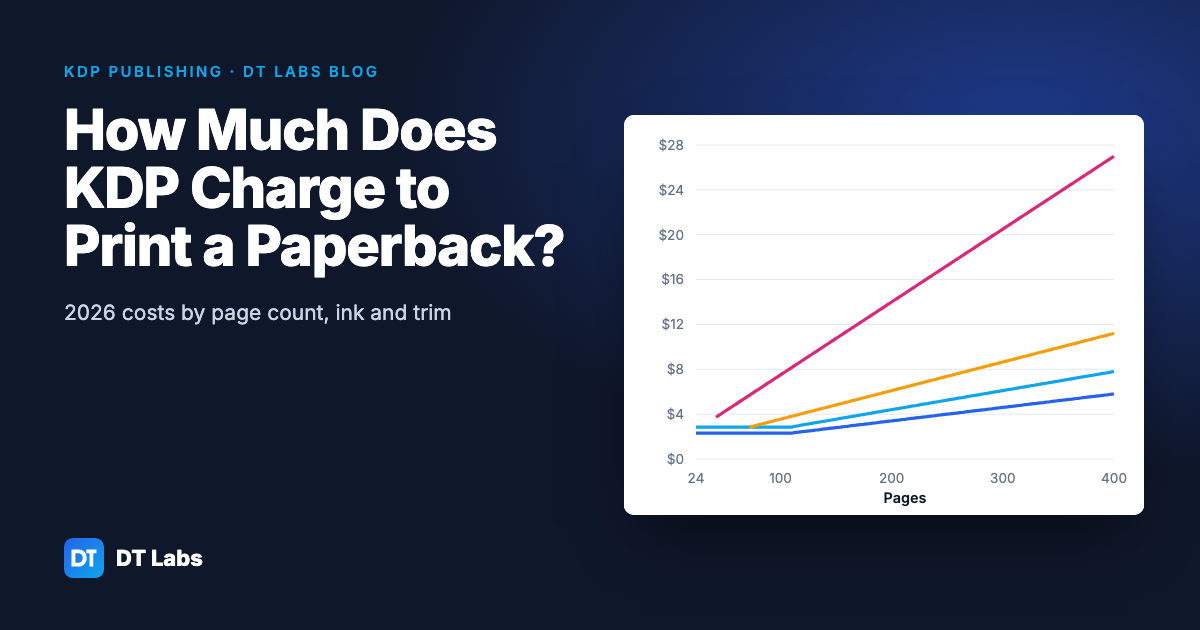
How Much Does KDP Charge to Print a Paperback? (2026 Costs)
KDP's printing cost is a fixed charge plus a charge per page, set by ink and trim size. Here are the 2026 Amazon.com figures, worked examples by page count, and how printing cost sets your lowest list price.
Nov 2, 2026 · 4 min read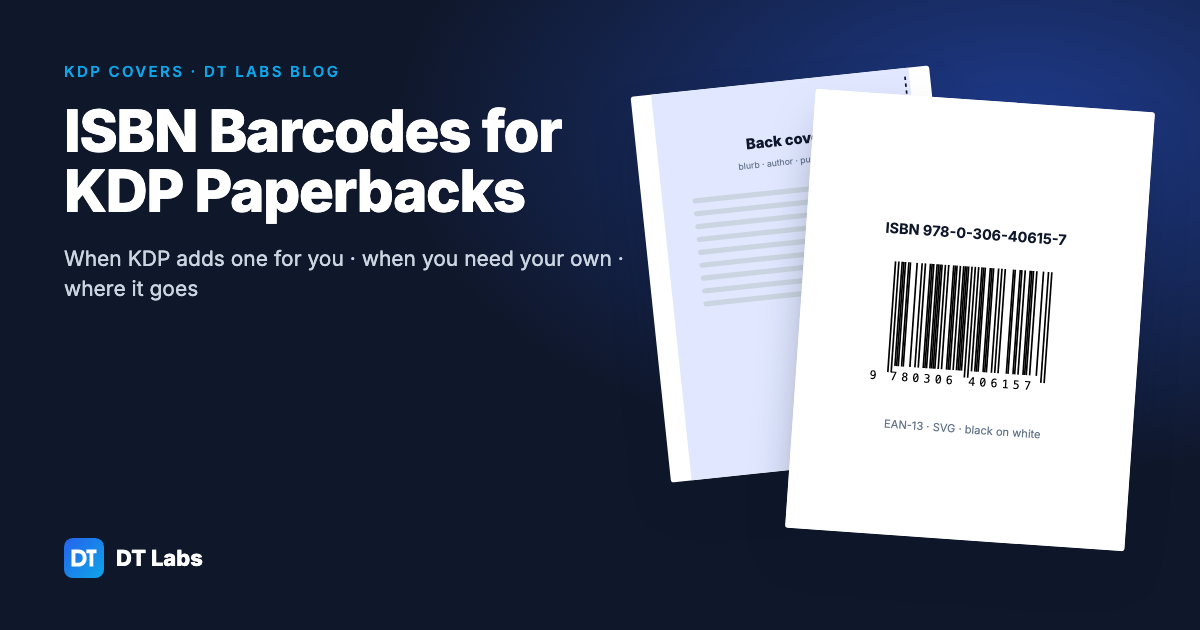
ISBN Barcodes for KDP Paperbacks: When You Need Your Own
KDP adds a barcode to your paperback for free. Here is when you still want your own, how to make one from your ISBN, and exactly where it goes on the back cover.
Nov 2, 2026 · 5 min read