
KDP Cover Size: How to Work Out a Full-Wrap Paperback Cover
A KDP paperback cover is one image: back, spine and front, plus bleed. Here is the formula, the spine width per page for each paper, worked examples for common trim sizes and the pixel size to export at.
By Dau Le · · 4 min read
A KDP paperback cover is not a front cover. It is one flat image that wraps around the whole book: back cover, spine and front cover side by side, with a little extra all round for trimming. Get the size wrong and KDP rejects the file; get the spine wrong and your title ends up on the front. Here is how to work it out.
In short: cover width = bleed + trim width + spine + trim width + bleed, and cover height = trim height + 2 × bleed, where bleed is 0.125 inches. Spine width = page count × paper thickness (0.002252 in for white, 0.0025 in for cream, 0.002347 in for colour). The free spine width calculator does the sum and gives the pixel size at 300 DPI.
The parts of a full-wrap cover
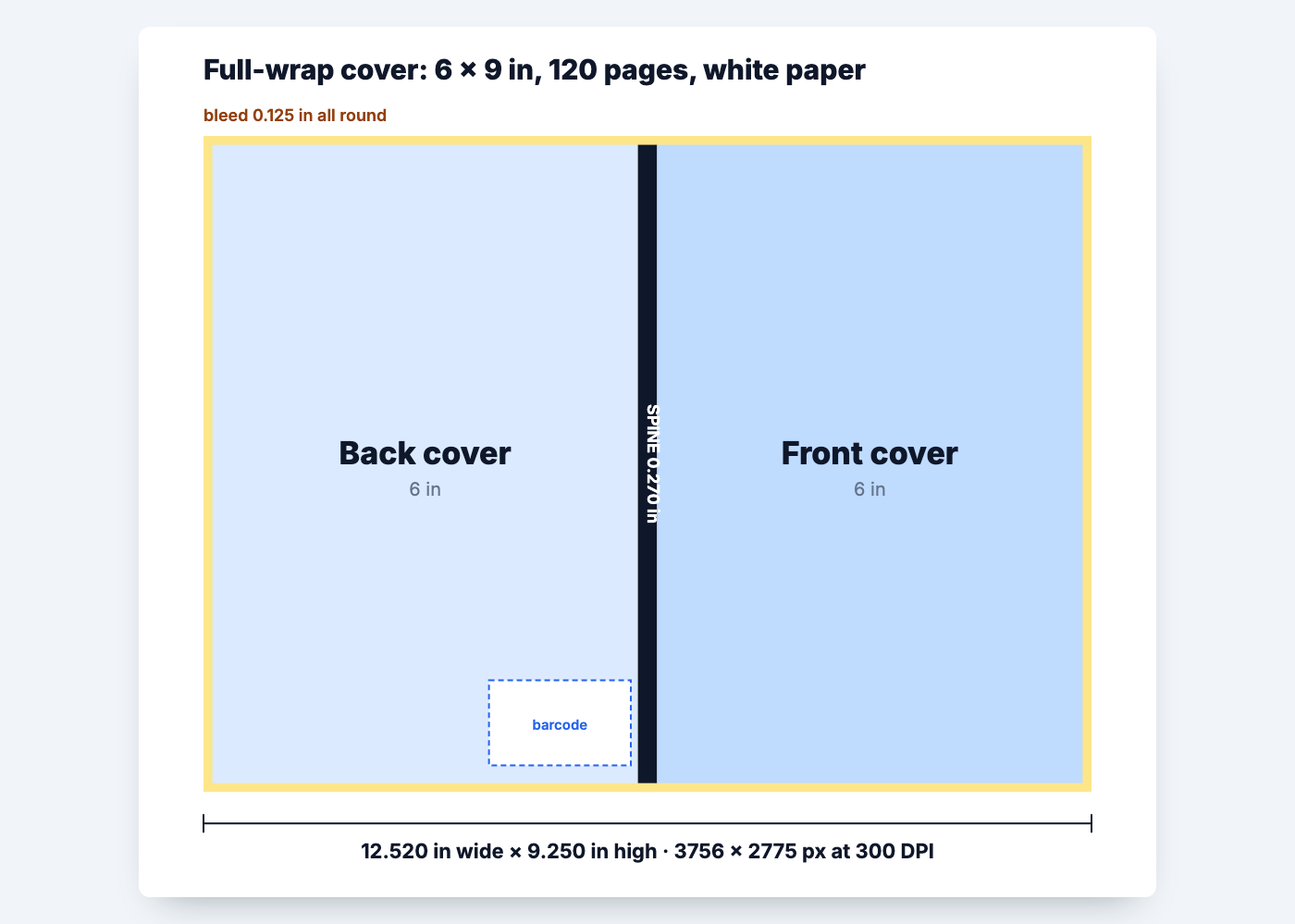
From left to right, laid flat:
- Bleed — 0.125 in that is trimmed off. Your background runs into it so no white edge shows.
- Back cover — the same width as your trim size. The barcode goes at the bottom right, next to the spine.
- Spine — its width depends on page count and paper.
- Front cover — again the trim width.
- Bleed — another 0.125 in on the right, plus 0.125 in at the top and bottom.
The formula
width = 0.125 + trim width + spine + trim width + 0.125
height = 0.125 + trim height + 0.125
And the spine:
spine = page count × paper thickness
| Paper | Thickness per page |
|---|---|
| White | 0.002252 in |
| Cream | 0.0025 in |
| Colour (standard or premium) | 0.002347 in |
Use the final page count of the printed interior, including blank pages and answer pages. If you add pages later, the spine — and the whole cover — changes.
Worked examples
| Book | Spine | Cover size | Pixels at 300 DPI |
|---|---|---|---|
| 6 × 9 in, 120 pages, white | 0.270 in | 12.520 × 9.250 in | 3756 × 2775 |
| 6 × 9 in, 300 pages, cream | 0.750 in | 13.000 × 9.250 in | 3900 × 2775 |
| 5 × 8 in, 200 pages, cream | 0.500 in | 10.750 × 8.250 in | 3225 × 2475 |
| 8.5 × 11 in, 100 pages, white | 0.225 in | 17.475 × 11.250 in | 5243 × 3375 |
| 8.5 × 11 in, 60 pages, colour | 0.141 in | 17.391 × 11.250 in | 5217 × 3375 |
The 8.5 × 11 in, 100-page row is the common size for coloring books and activity books. Get your own numbers from the spine width calculator — choose paper, trim and page count and it shows the spine, the full cover size and the pixels.
Spine text: when can you add it?
KDP only prints text on the spine of books with more than 79 pages. Thinner spines are too narrow to place text reliably, so leave them blank or use a solid colour. When you do add text, keep it at least 0.0625 in from each side of the spine, because the fold can move slightly in printing.
Safe zones on the cover
- Keep titles, author name and anything important at least 0.125 in inside the trim line on all sides. Only background should run into the bleed.
- Leave the barcode area at the bottom right of the back cover clear, or place your own barcode there. See ISBN barcodes for KDP paperbacks, or make one with the free ISBN barcode generator.
- Export at 300 DPI as a PDF, with fonts embedded or converted to outlines.
Use KDP's template to check
KDP's own cover calculator gives a template for your exact trim size, page count and paper. Lay it over your design as a check: the spine guides, the barcode box and the safe areas should line up with your file. If the template and your numbers disagree, re-check the page count you entered — it is the most common cause.
Common cover size mistakes
- Front cover only. KDP paperbacks need the full wrap; a single front image is rejected.
- Wrong page count. The spine was worked out for the draft, then pages were added.
- No bleed. A cover made at exactly the trim size leaves white slivers after trimming.
- Text on a thin spine. Below 80 pages, spine text is likely to wrap onto the cover.
- Low resolution. A cover exported at 72 DPI looks soft in print. Use 300 DPI.
Before you upload
Cover size is tied to page count, which also sets your printing cost. Check what your book will cost to print in how much KDP charges to print a paperback, and choose a list price with the royalty calculator. For margins inside the book, see the trim size and margin guide.
Frequently asked questions
What size should a KDP paperback cover be?
Width = 0.125 in bleed + trim width + spine + trim width + 0.125 in bleed; height = trim height + 0.25 in. For a 6 × 9 in, 120-page book on white paper that is 12.520 × 9.250 inches.
How do I calculate spine width for KDP?
Multiply the page count by the paper thickness: 0.002252 in for white, 0.0025 in for cream and 0.002347 in for colour paper.
What is the cover size for an 8.5 × 11 KDP book?
It depends on the page count. For 100 pages on white paper it is 17.475 × 11.250 inches, or 5243 × 3375 pixels at 300 DPI.
How much bleed does a KDP cover need?
0.125 inches on the top, bottom and outside edges of the full-wrap cover.
When can I put text on the spine?
KDP prints spine text only on books with more than 79 pages. Keep it at least 0.0625 in from each side of the spine.
What resolution should a KDP cover be?
300 DPI. A 6 × 9 in, 120-page cover is 3756 × 2775 pixels at that resolution.
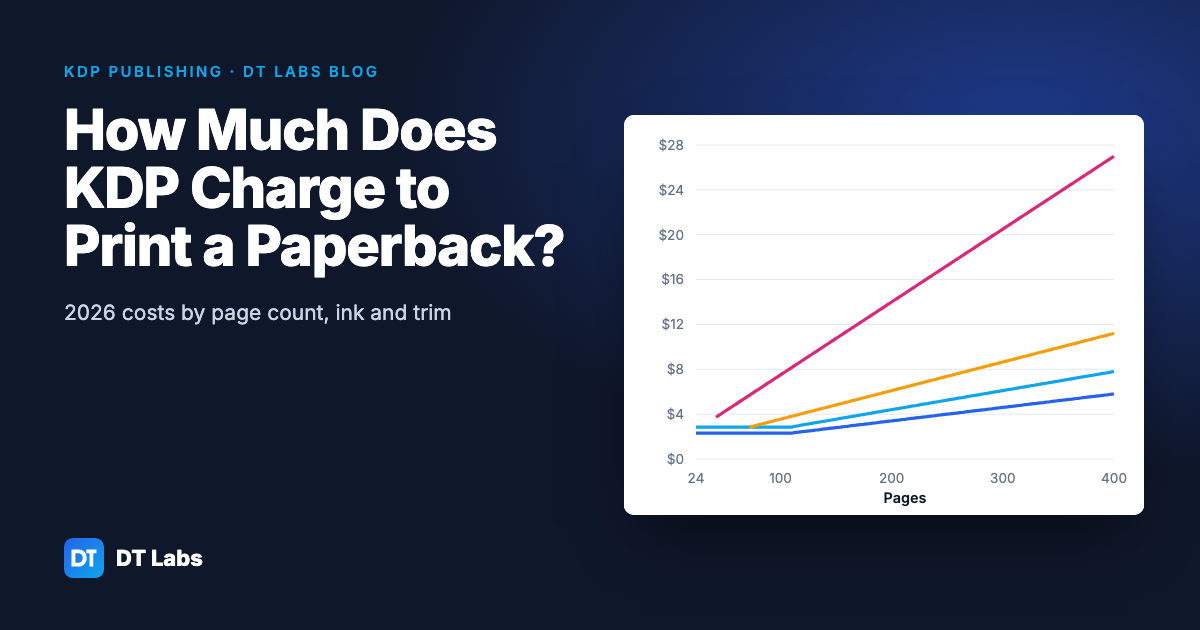
How Much Does KDP Charge to Print a Paperback? (2026 Costs)
KDP's printing cost is a fixed charge plus a charge per page, set by ink and trim size. Here are the 2026 Amazon.com figures, worked examples by page count, and how printing cost sets your lowest list price.
Nov 2, 2026 · 4 min read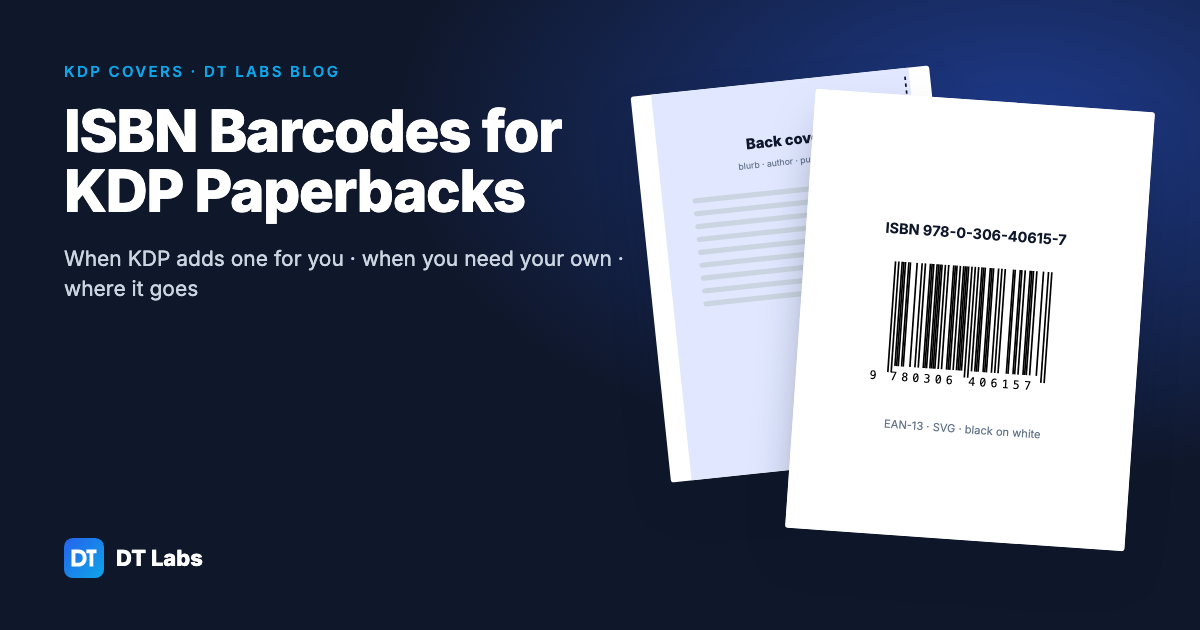
ISBN Barcodes for KDP Paperbacks: When You Need Your Own
KDP adds a barcode to your paperback for free. Here is when you still want your own, how to make one from your ISBN, and exactly where it goes on the back cover.
Nov 2, 2026 · 5 min read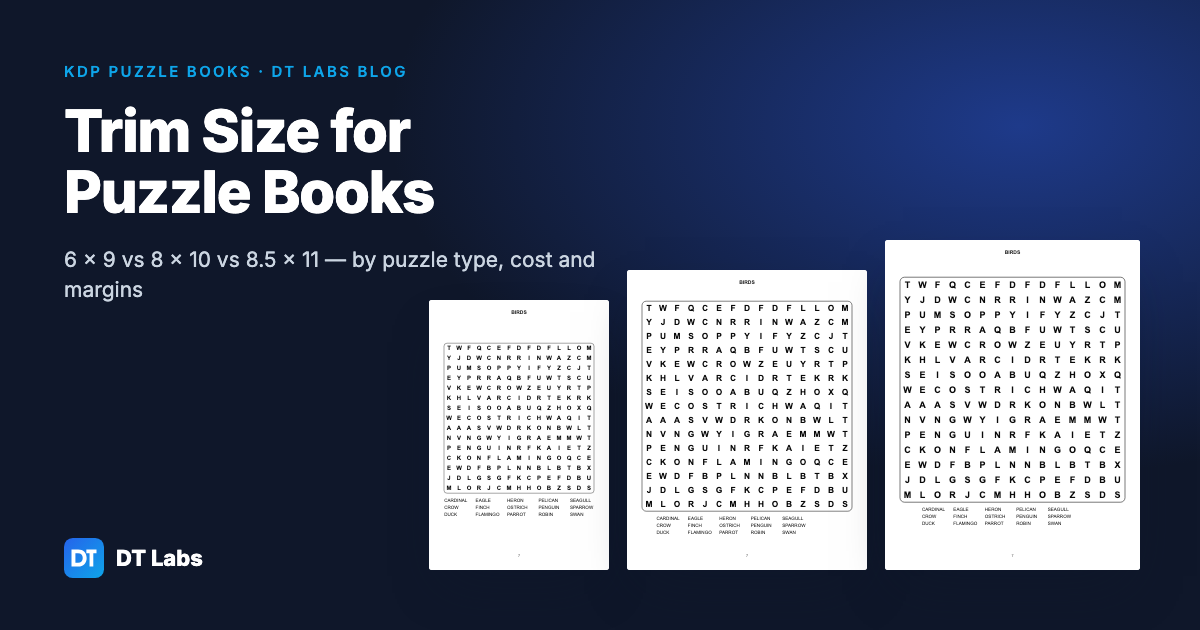
Trim Size for Puzzle Books: 6×9 vs 8×10 vs 8.5×11
Which KDP trim size suits word search, sudoku, crossword, maze, bingo and coloring books — with letter sizes, printing costs and margins for each.
Oct 31, 2026 · 4 min read