
Canva or a Puzzle Generator for a KDP Puzzle Book? What Each Does Well
Canva or a puzzle generator for a KDP puzzle book? Bleed, crop marks, gutters, valid puzzles, answer keys and Canva's licence, compared fairly.
By Dau Le · · Updated · 7 min read
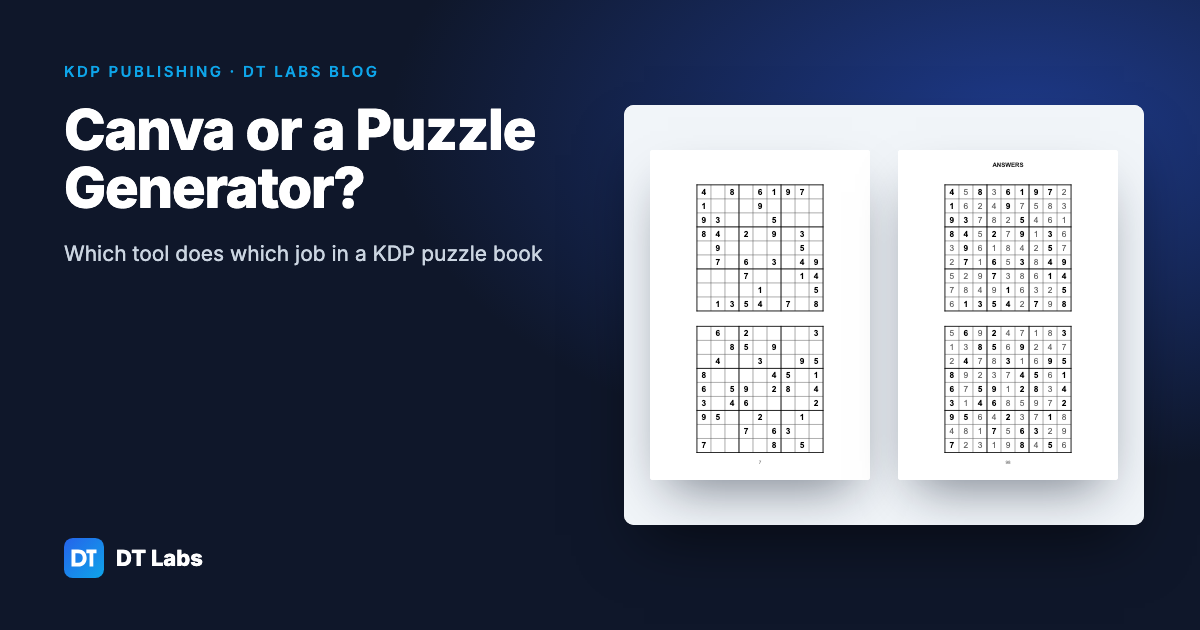
Use Canva for the parts of a puzzle book that are design — the cover, a title page, section dividers, decorative borders — and a puzzle generator for the parts that are puzzles. Canva can lay out a grid, but it doesn't check that a sudoku has exactly one solution, it doesn't build answer keys from the puzzles, and its print export adds bleed on all four sides and has no inside (gutter) margin, which isn't how KDP sets up an interior. A generator does those things automatically; Canva is far better at making a page look good.
In short: Canva has a free plan (the Pro price varies by country, so see canva.com/pricing) and a design can have up to 350 pages. For a KDP interior from Canva, set the page to your exact trim size, keep content inside margins you mark yourself, leave "Crop marks and bleed" off, and export as PDF Print. For 100 valid puzzles with matching answer keys, use a generator — our free sudoku generator made and checked 300 puzzles in under a second in our test.
What each tool is built for
| Job | Canva | Dedicated puzzle generator |
|---|---|---|
| Cover, title page, decorative pages | Very good — huge element and font library | Basic, if any |
| Making 100 sudoku that each have one solution | Needs a third-party app; the listings we checked don't say they check uniqueness | Solver-checked as each puzzle is made |
| Difficulty that matches the label | Depends on the app | Graded by how the puzzle can be solved (ours) |
| Answer key that matches every puzzle | By hand, or app-dependent | Built from the same puzzles automatically |
| Inside (gutter) margin, mirrored left/right | Not available; mark it with guides by hand | Built into KDP page presets |
| Bleed | Fixed 0.125" on all four sides | Usually none needed (line art inside margins) |
| Page limit | 350 pages per design | Ours: up to 200 puzzles per book |
| Cost | Free plan; Pro price varies by country | Ours is free to use with an account; clean files without a watermark in DT Labs Membership |
Neither column "wins": they're for different jobs. The question is which jobs your book has.
Making a KDP interior in Canva: the settings that matter
Canva's help pages and KDP's help pages describe two slightly different set-ups. Here's where they meet.
Page size
Create a design with Custom size in inches at exactly your trim size — 6 × 9, 8 × 10 or 8.5 × 11. That's the right page size for a KDP interior without bleed, which is what almost every puzzle book uses.
If your interior really needs bleed (art printed to the edge of the page), KDP wants the page 0.125" wider and 0.25" taller than the trim — 6.125 × 9.25 for a 6 × 9 book — because KDP trims the top, bottom and outside edge, not the spine edge. Canva's own bleed is different: its help page says it adds 0.125" on all four sides, and those sizes can't be changed. A 6 × 9 Canva design exported with Canva's bleed comes out 6.25 × 9.25, which doesn't match. The usual workaround is to make the Canva page 6.125 × 9.25 yourself and export without Canva's bleed setting.
Crop marks
In Canva's PDF Print download, crop marks and bleed are a single setting ("Crop marks and bleed"), off by default. KDP's submission guidelines say interior files shouldn't contain crop marks or trim marks. Leave it off for a KDP interior.
Margins and the gutter
Canva has no margin setting for books. Its help says it doesn't support automatic custom margins, so you place ruler guides yourself and keep everything inside them. KDP wants:
- at least 0.25" on the top, bottom and outside edge (0.375" with bleed);
- an inside margin that grows with page count: 0.375" up to 150 pages, 0.5" up to 300, 0.625" up to 500.
Because Canva pages aren't left or right pages, the simple safe route is to use the inside margin on both sides of every page — e.g. 0.5" all round for a book up to 300 pages. You lose a little space; you avoid a gutter error. Our KDP margins and trim size guide has the full table.
Export
Choose PDF Print (300 dpi). PDF Standard exports at 96 dpi, which is too low for images in a printed book. CMYK export is a Pro feature, but black-and-white KDP interiors print in black ink, so most puzzle books don't need it.
Fonts
KDP asks for every font to be embedded. Canva's fonts are licensed for use inside Canva designs; uploading your own font needs a paid plan, and Canva says the font must be licensed for embedding.
If Previewer still complains after upload, our guide to KDP Print Previewer errors goes through each message and its fix.
Why puzzles are a different job
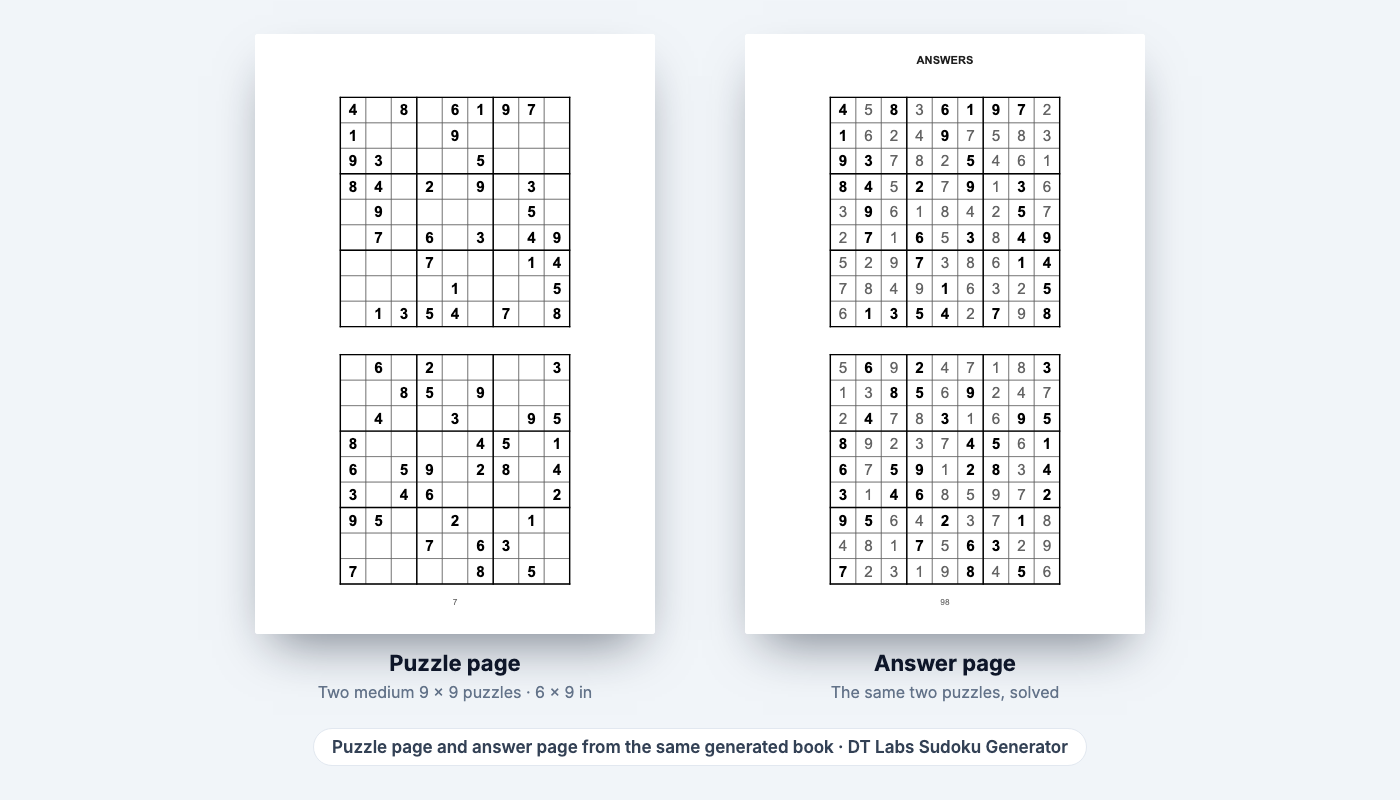
A page of a puzzle book has two halves that have to agree: the puzzle and its answer. Design tools treat both as pictures. That causes three problems a design tool can't see:
- The puzzle has to be valid. A sudoku must have exactly one solution. A grid with two solutions looks fine on the page and still gets a one-star review. Checking takes a solver, not an eye.
- The difficulty has to be honest. "Easy" should be solvable without guessing. That depends on which solving techniques a puzzle needs, not on how many numbers are filled in.
- The answer key has to match. Rearrange two pages in a design tool and puzzle 14's answer is now under puzzle 15. A generator builds the answer pages from the same puzzle objects, so they can't drift apart.
Canva does host puzzle apps from other developers — a Sudoku Generator and Word Search Makers among them — and they can add puzzles and solutions to a design. They're third-party apps under their own terms, so read those terms for commercial use, and check a few puzzles by hand before building a book on them.
What we measured
To put a number on the generator side, we ran DT Labs' sudoku engine (the same code the free sudoku generator runs in your browser) on an Apple M1 laptop on 5 November 2026:
| Level | Puzzles | Time to make and check | Exactly one solution | Needed guessing |
|---|---|---|---|---|
| Easy | 100 | under 0.1 s | 100 | 0 |
| Medium | 100 | under 0.1 s | 100 | 0 |
| Hard | 100 | under 0.1 s | 100 | 0 |
"Exactly one solution" was checked by a solver; "needed guessing" means a human-style grader (naked singles, hidden singles, locked candidates, naked pairs) couldn't finish the puzzle. Laying out the pages and exporting a PDF in the browser takes longer than generating the puzzles, but it's still minutes for a whole book, not days. Building the same 100 puzzles and 100 answer grids by hand in any design tool means typing roughly 3,000 clue digits and 8,100 answer digits, and checking each puzzle with a separate solver.
Canva's licence and books you sell
Canva allows books: its Content License Agreement lists books and book covers as a permitted use. Its help page on making products to sell sets the main rule — the product has to be an original design. Its own example is a children's book started from a template, which Canva says is fine as long as the template isn't sold as-is.
A few more points from the same pages:
- You can't print Canva's free or Pro content as-is and sell it — change it into your own design.
- Pro content is licensed for a single design.
- Branded content is for personal use only, which also keeps you clear of KDP's rules on trademarked characters.
- Images from Canva's AI tools aren't covered by the Content License Agreement; separate AI terms apply.
For a puzzle book that means: your puzzles plus your own layout and title page, using Canva elements as building blocks rather than a ready-made template, is the safe pattern. Read Canva's pages yourself — this is a summary, not legal advice.
A workflow that uses both
- Puzzles and answers in a generator. Pick the trim size, difficulty and puzzles per page, then export the interior PDF. Our sudoku generator and word search maker export vector PDFs with embedded fonts on KDP page presets with a mirrored gutter.
- Decorative pages in Canva. Title page, "this book belongs to", section dividers — made at exactly the trim size, exported as PDF Print without crop marks.
- Combine the PDFs. Put the Canva pages in front of the generator pages with any PDF tool, keeping single pages (not spreads).
- Cover in Canva. Use KDP's cover calculator for the full-wrap size; the KDP cover size guide shows the formula.
- Upload and check every page in Print Previewer.
For a full walkthrough of the puzzle side, see how to make a sudoku book for KDP, and for other free tools, free KDP interior generators compared.
Prefer a table? Our Canva vs DT Labs generators page puts the same comparison side by side, with its sources.
Sources
- Canva Help: Margins, bleed and crop marks — canva.com/help/margins-bleed-crop-marks
- Canva Help: Download file types — canva.com/help/download-file-types
- Canva Help: Upload fonts — canva.com/help/upload-fonts
- Canva Help: Using Canva to create products for sale — canva.com/help/using-canva-to-create-products-for-sale
- Canva Content License Agreement — canva.com/policies/content-license-agreement
- Canva pricing — canva.com/pricing
- KDP Help: Set Trim Size, Bleed, and Margins — kdp.amazon.com/en_US/help/topic/GVBQ3CMEQW3W2VL6
- KDP Help: Paperback Submission Guidelines — kdp.amazon.com/en_US/help/topic/G201857950
Read on 5 November 2026. DT Labs is not affiliated with Canva, Amazon or KDP.
Frequently asked questions
Can you make a KDP puzzle book in Canva?
You can lay one out in Canva, but you need puzzles from somewhere else: Canva doesn't check that a sudoku has one solution or build answer keys. Many sellers make the puzzles in a generator and use Canva for the cover and decorative pages.
Should I turn on "Crop marks and bleed" in Canva for KDP?
Not for an interior. KDP's guidelines say interior files shouldn't contain crop marks, and Canva adds bleed on all four sides, while KDP adds it only to the top, bottom and outside edge.
How many pages can a Canva design have?
Up to 350 pages per design, according to Canva's help pages in November 2026. Older articles that mention 50 or 100 pages are out of date.
What size should a Canva page be for a KDP book?
Exactly your trim size (for example 6 × 9 inches) if the book has no bleed. With bleed, KDP wants the page 0.125 inches wider and 0.25 inches taller than the trim, such as 6.125 × 9.25 for a 6 × 9 book.
Can I sell a book made from a Canva template on Amazon?
Canva says products for sale must be original designs; a book started from a template is allowed as long as you aren't selling the template as-is. Branded content is personal use only. Read Canva's licence pages before publishing.
How do I make sure every sudoku in my book has one solution?
Use a generator that checks each puzzle with a solver as it's made. DT Labs' free sudoku generator removes numbers one pair at a time and puts them back if the puzzle would stop having exactly one solution.
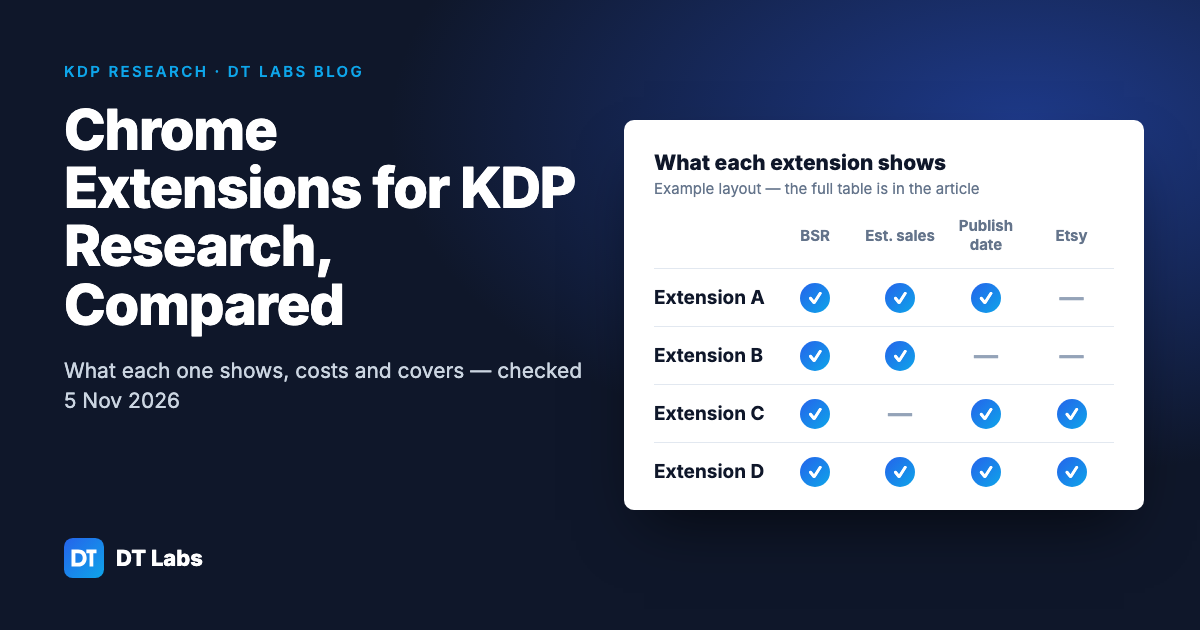
Chrome Extensions for KDP Research Compared: What Each One Shows, Costs and Covers
Nine KDP research extensions compared: what each shows on Amazon, price checked 5 Nov 2026, free tiers, Etsy support and data collected.
Nov 5, 2026 · 9 min read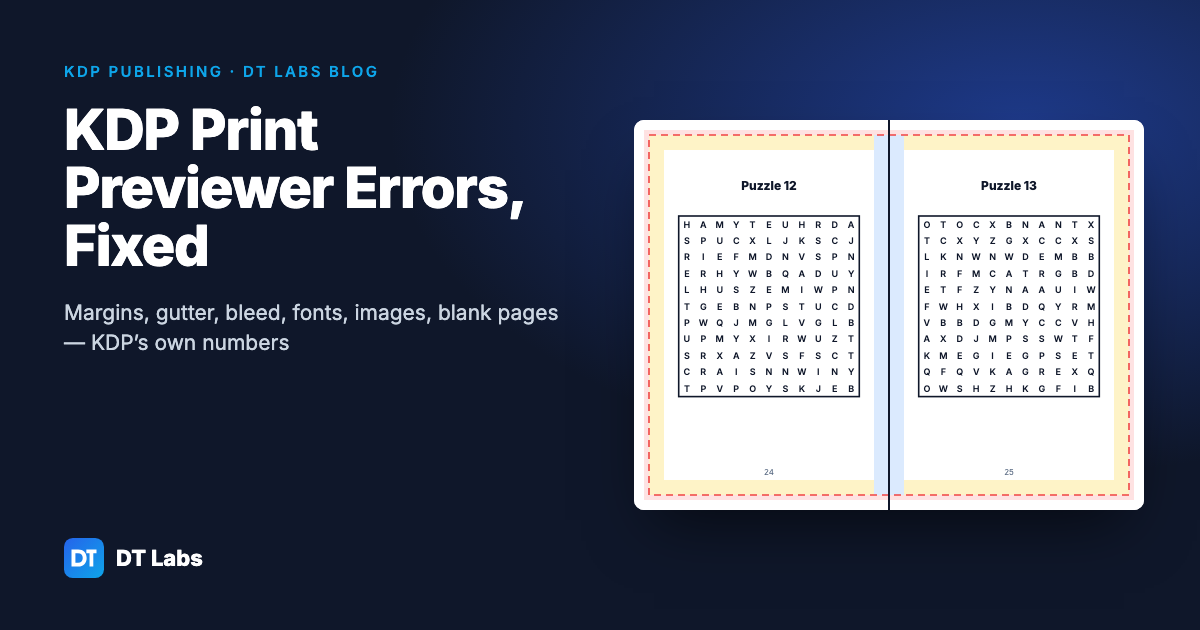
KDP Print Previewer Errors and How to Fix Each One
What each KDP Print Previewer error means and how to fix it: page size, margins, gutter, bleed, fonts, images and blank pages, with KDP's own numbers.
Nov 5, 2026 · 9 min read
KDP Niche Research: How to Check a Niche Before You Make the Book
Check a KDP niche before you make the book: are new books ranking on page one, and is a top result one buyers dislike? A step-by-step method.
Nov 4, 2026 · 6 min read