
Lesson 37 of 47 · 10 min read
Categories and ISBN
Confirm your book type, compare category shelves and settle your ISBN and barcode.
Two short decisions come next: which shelves your book sits on, and what number identifies it. Neither takes long, and both depend on one earlier choice: whether your book counts as low-content.
Check the book type first
KDP says puzzle books and colouring books are generally not low-content. Low-content means minimal, repetitive interiors made to be filled in, such as notebooks, planners, journals and log books. See KDP's low-content page.
The answer changes several things:
| Puzzle book (generally not low-content) | Low-content book | |
|---|---|---|
| Low-content box in Categories | Leave unticked | Must be ticked, or the book is rejected |
| ISBN | Needed for print: use KDP's free one or your own | No free ISBN: publish without one, or use your own |
| Review time | Up to 3 business days | Can take 3 to 4 weeks |
| Series | Possible | Not available |
| Expanded Distribution | Possible | Not available |
| Read Sample | Not limited by this rule | Not available without an ISBN |
| Release Date option | See KDP's setup screens | Not offered |
Garden Word Search is a puzzle book, so we leave the box unticked and take the first column. Confirm your own book against KDP's page. These rules can change.
Choosing categories
You can choose up to three categories. They are the shelves a browsing shopper walks along, and each one has its own ranking list. Your book's sales rank reflects customer activity relative to other books, and it can appear in up to three category lists. See KDP's page on rank.
Pick categories by looking at real books:
- Open five books a buyer might compare with yours.
- On each page, find the product details and note which category lists it appears in.
- List every category that shows up, and how often.
- For each one, ask whether a shopper browsing that shelf would want your book.
Question 4 matters most. A category is only useful if its shoppers want what you sell.
A way to compare shelves
A shelf may be crowded or quiet. To get a feel for it, open the category's top list and note the overall sales rank of the book in tenth place. A lower number means that book is selling more, so the shelf is harder to reach the top of.
Here is how that reads. These readings are invented to show the method.
| Shelf | Rank of the book in tenth place | How we read it |
|---|---|---|
| General puzzles | 4,000 | Busy. Lots of shoppers, but many strong books |
| Word search books | 25,000 | Our natural home, and a fair fight |
| Large print puzzles | 180,000 | Quieter. A book needs fewer sales to be seen here |
Take two readings on different days, since ranks update at least daily and can bounce around. A rank is not a sales figure, so use it to compare shelves, not to work out what anyone earns. We are not setting a target number here. Use it only to compare the shelves in front of you.
Our three choices
These are descriptions of the kind of shelf. Use the exact category names you find in KDP's own list.
| Kind of shelf | Decision | Reason |
|---|---|---|
| Word search and puzzle books | Yes | This is what the book is |
| Large print puzzles or similar, if listed | Yes | Matches the main promise |
| A shelf our similar books share, such as a broader puzzles list | Yes | Shoppers there buy this kind of book |
| Gardening how-to | No | The book teaches no gardening, so buyers would be let down |
| Children's activity | No | Wrong reader. Children's categories also ask for a reading age |
You can change categories later. KDP says a change can take up to 72 hours. See its category page.
Remember that words in your categories should not be repeated in your seven keywords.
Choosing an ISBN
For a print book that is not low-content you need an ISBN, and KDP offers one free. For a first book that is the simple choice, and it is what we use. The details are on KDP's metadata page.
You might use your own ISBN if you want your own imprint on the record or plan to sell the same edition elsewhere. Before you buy one, read KDP's current pages on what each option allows, since this is a choice that is hard to undo.
The barcode
KDP can place the barcode for you. All you have to do is keep that area clear. In KDP Cover Forge, the "Leave the barcode area white" switch does this.
KDP suggests a barcode area of 2 × 1.2 in, at least 0.25 in from the spine and the trim. See KDP's barcode page. For a low-content book without an ISBN, keep a box that size at the lower right of the back cover.
If you bring your own ISBN and want the barcode in your own artwork, the free ISBN barcode generator draws one you can download as an SVG. It also checks the ISBN's last digit, so a typing mistake shows up before it reaches print.
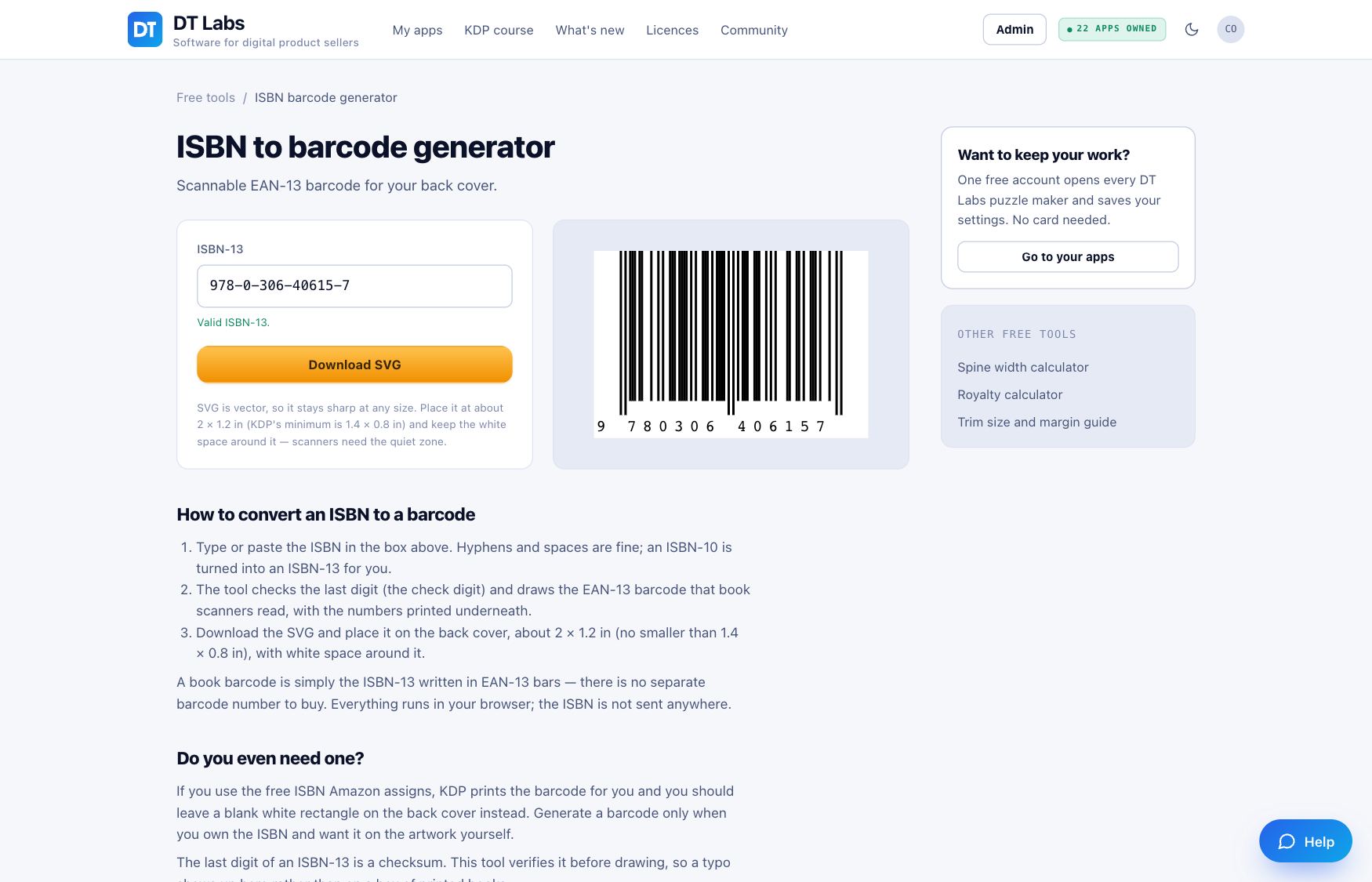
If you use KDP's free ISBN, skip this tool. You do not need it.
Your task
- Decide which column your book is in, and confirm it on KDP's low-content page.
- Open five similar books and list their categories.
- Take the tenth-place reading on your two or three favourite shelves, on two different days.
- Write down your three categories, with a one-line reason for each.
- Decide on your ISBN, and check that your cover has a clear barcode area.
— The DT Labs team