
Dot-to-dot maker for printable connect the dots pages
Make connect-the-dots pages from a library of pictures or your own image, with numbers, letters or skip counting, and an answer page showing the finished picture. Free, with a commercial licence.
No card. Runs in your browser. Export a print-ready PDF with answer pages.
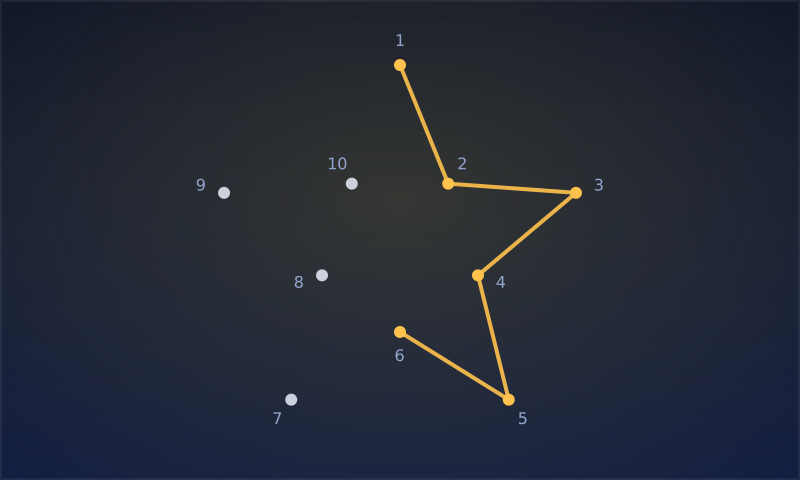
What does this dot-to-dot maker make?
Printable dot-to-dot pages and answer pages, one at a time or a whole activity book. Books can add more dots on each page as they go.
- 45 pictures from a shared library — animals, food, holidays, vehicles and more — plus your own uploaded image
- 10 to 300 dots per page
- Numbering 1, 2, 3; A, B, C; counting by 2s, 5s or 10s; or Roman numerals
- Light details printed on the page, so the finished picture becomes a coloring page
Can I use my own picture?
Yes. Upload a clear silhouette on a plain background and the outline is traced in your browser and turned into numbered dots. The image does not leave your computer.
How many dots should a page have?
Around 10–30 dots for preschoolers, 30–80 for early readers and 100 or more for older children and adults who want a challenge.
Can I sell dot-to-dot books made with it?
Yes. Exports from the free tools carry a commercial licence: sell activity books on KDP and printable packs on Etsy. You may not resell or share the generator itself.
Frequently asked questions
Is the dot-to-dot maker free?
Yes. Create a free account and export complete books with no watermark. No card is needed.
Does it make answer pages?
Yes. Each page has an answer page showing the connected picture.
Can it practise counting or the alphabet?
Yes. Number the dots by 2s, 5s or 10s for skip counting, or A to Z for letters.
Does it use AI?
No. Pictures come from a hand-drawn library or your own upload, and dots are placed by an algorithm in your browser.