The Save-&-Share Carousel System
A finished, on-brand 10-slide carousel — in minutes.
Without filming Reels, showing your face or fighting Canva.
Instagram's head, Adam Mosseri, has named sends — people passing a post to a friend — among its most important signals, especially for reaching people who don't follow you yet.1 ScrollStop builds the carousel people save and send, in your brand, from a link, a topic or a screenshot.
AI runs on your own OpenRouter account (free models available) or in Free mode with your own chatbot · Desktop browser recommended
Opens for purchase Oct 20, 2026 at 9:00 PM US Central.
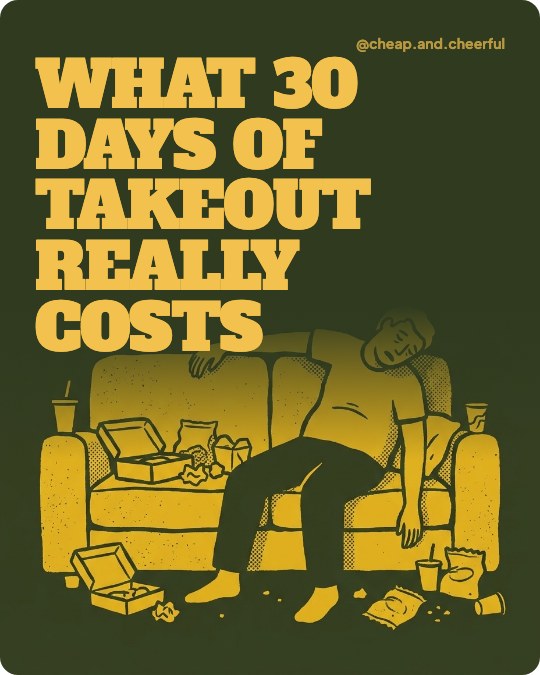
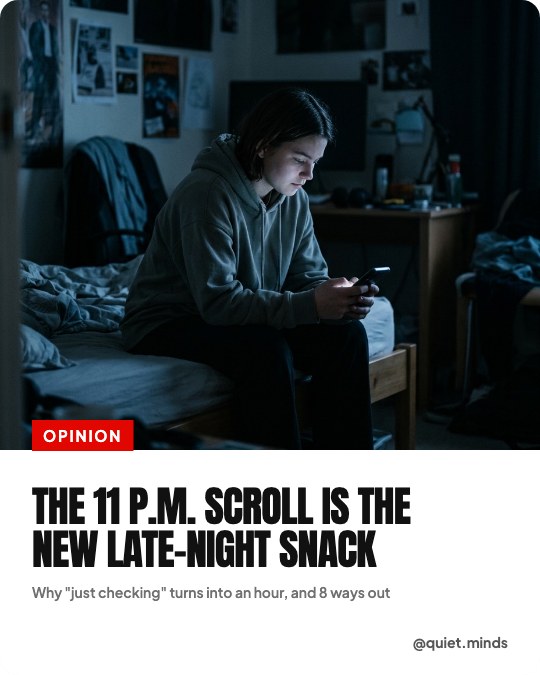
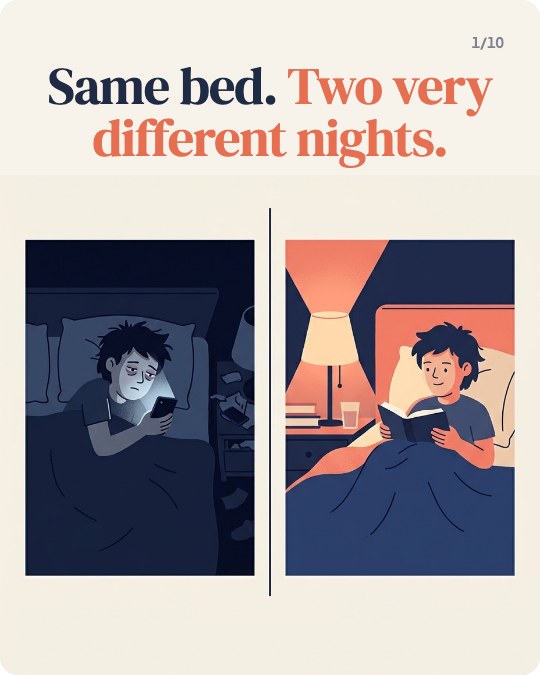
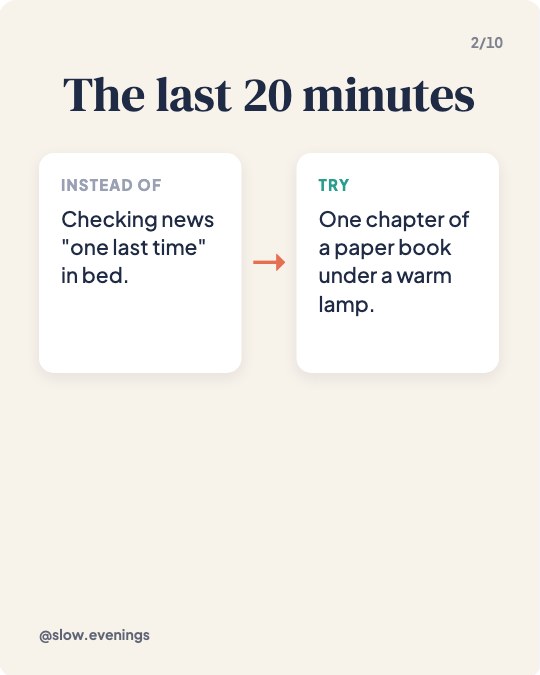
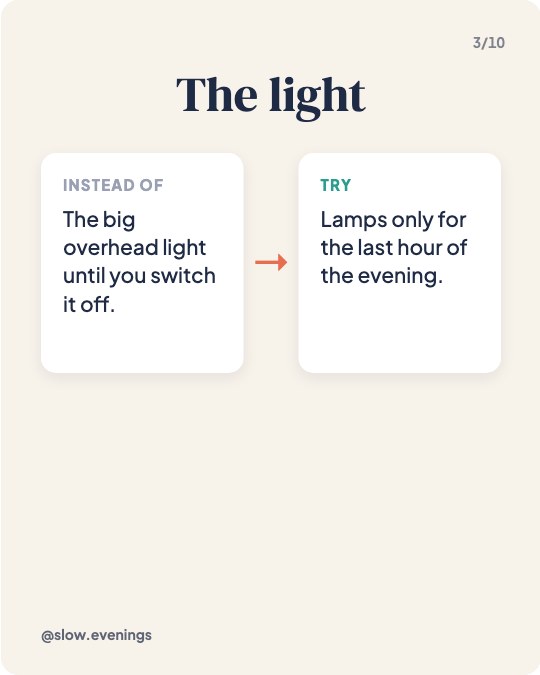
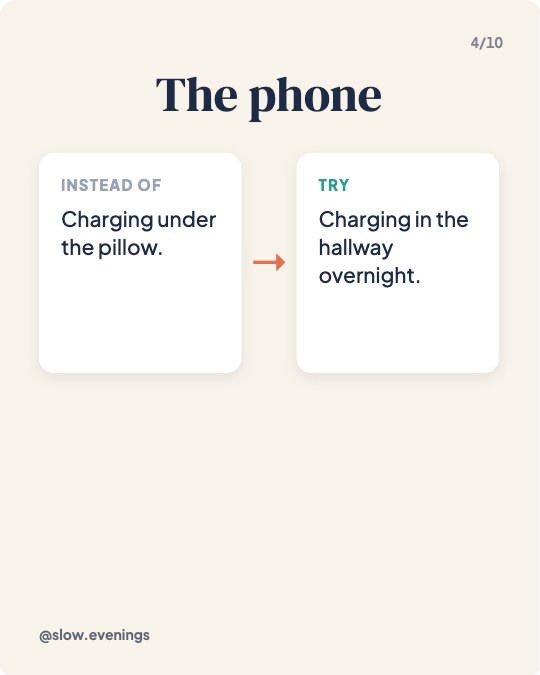
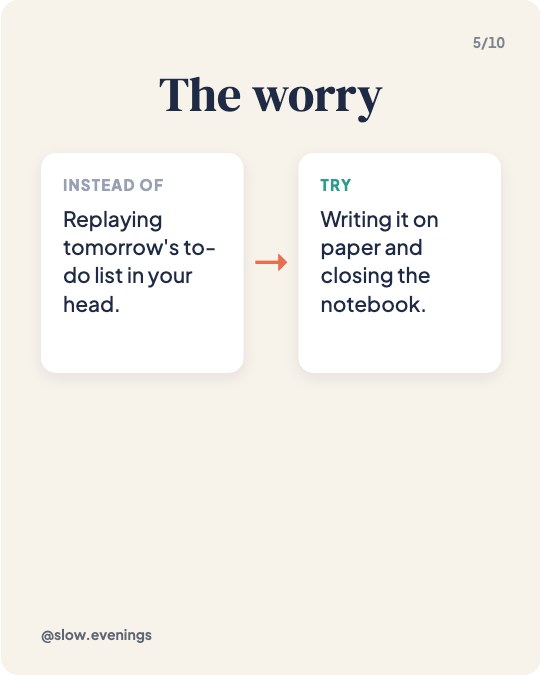
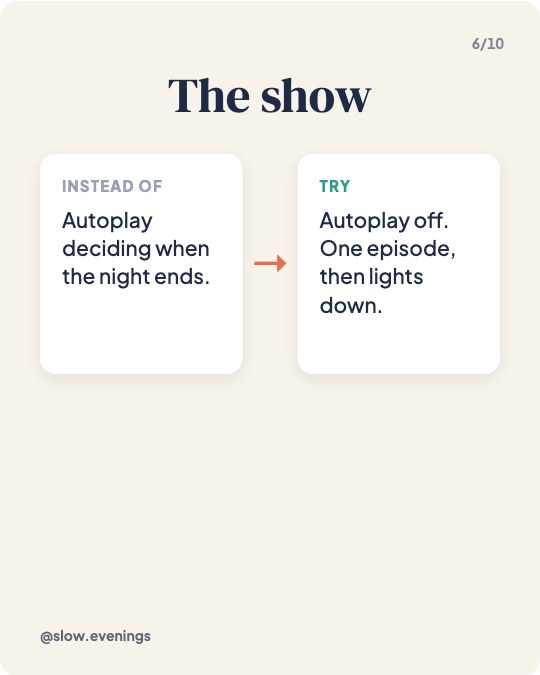
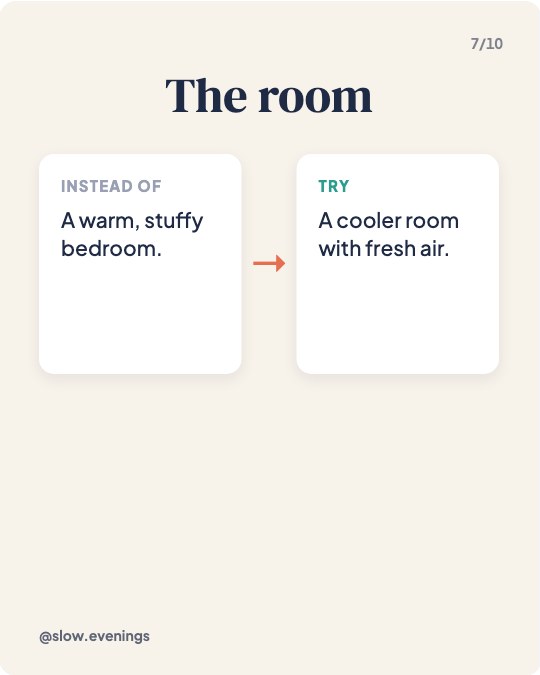
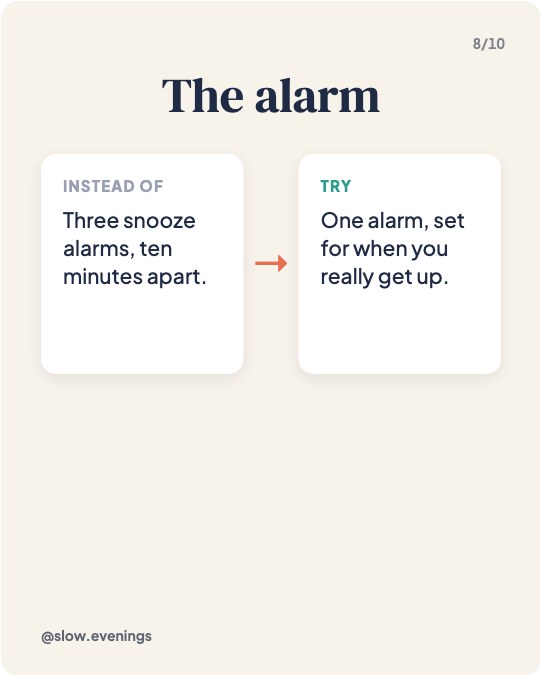
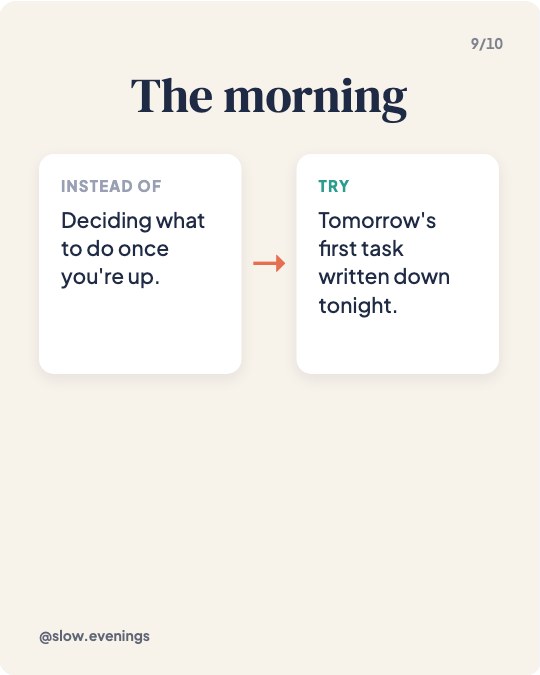
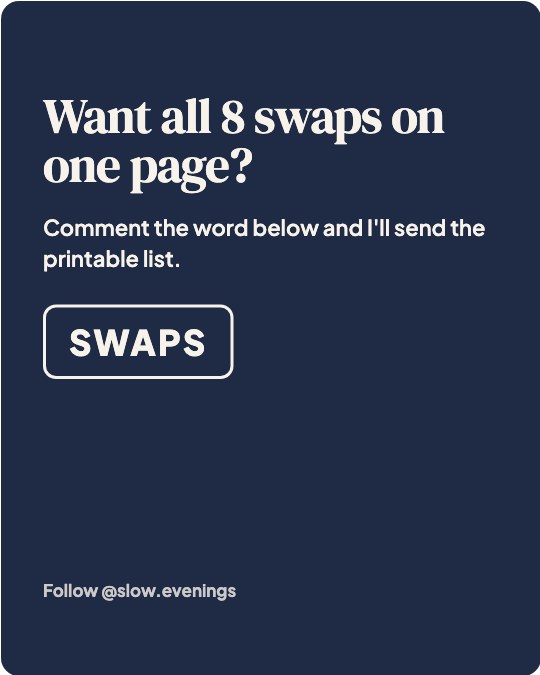
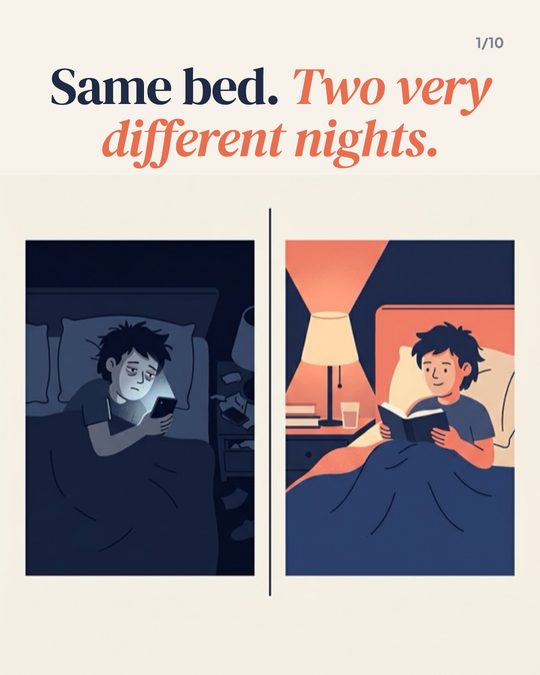
slow.evenings Small swaps, same bed, a very different night. Comment SWAPS for the printable list.
Real ScrollStop output — the "Same bed" example in the Illustrated Contrast template, shown as a post on a generic phone, not a real account.
See it work
Watch a link become a 10-slide carousel.
App demo with sample content, no sound. Paste → pick an idea → ten slides → edit → caption → export. Real output is written from your own link or topic and depends on the AI model you choose.
A different vehicle
You were told the only way to be seen is to get on camera.
Post Reels. Hit trends. Learn the transition, the voiceover, the hook in the first second. Show your face every day, or the algorithm forgets you.
So you tried. Eleven takes of a 20-second clip. A trend that was over by the time you posted it. And somewhere in there you started dreading your own account.
Here's what the Reels courses leave out: video isn't the only vehicle. For people who teach — coaches, creators, anyone who sells a template, a printable or a course — there's a format that doesn't need your face, your voice or a ring light. It's the 10-slide educational carousel. ScrollStop is built to make exactly that, and nothing else.
The switch
The old way vs. the new way.
The old way
- Film, re-film, edit, caption, hope
- Four tabs open for one post
- Image AI misspells the words it was meant to write
- An evening per post — so you post less than you planned
- Content that's gone from the feed by tomorrow
The new way, with ScrollStop
- Pick an idea, get ten slides, tweak, post
- One tab, with your brand already set up
- The app draws the text, so every word is spelled right and stays editable
- Minutes for a first draft you can actually use
- A post people save as a reference and send to a friend
Three things worth knowing
Why this works for people who'd rather not be on camera.
A carousel is read at your reader's pace — and kept.
A Reel asks people to watch now, at your speed. A carousel lets them read at theirs, and if it's useful, they save it. A post worth saving is a post worth coming back to — and the one people send to the friend who needs it.
The structure does the heavy lifting: slide 1 stops the scroll, slides 2–9 carry one idea each, slide 10 turns a reader into a conversation ("Comment PLAN and I'll send you the checklist"). No camera. No trend.
You don't need to be a designer or a writer.
Set up a Brand Kit once — fonts, three colours, logo, @handle, a default template, even a mascot — and every carousel comes out looking like you, not like a template everyone else uses.
The AI writes the first draft from your link or topic. If a slide feels flat, one click rewrites it — one slide, all ten, or the caption. You stay the editor. You never start from a blank page.
Being seen doesn't have to start with an ad budget.
Ads buy attention by the click. Saveable posts earn it, when people choose to keep and pass on what you made.
We won't promise you numbers — nobody honestly can. What we can say is that every ScrollStop carousel is built on the structure designed to be saved and shared, and that you'll be able to make enough of them, in your brand, to find out what your audience responds to.
What you put in, what you get out
One link in. Ten slides out.
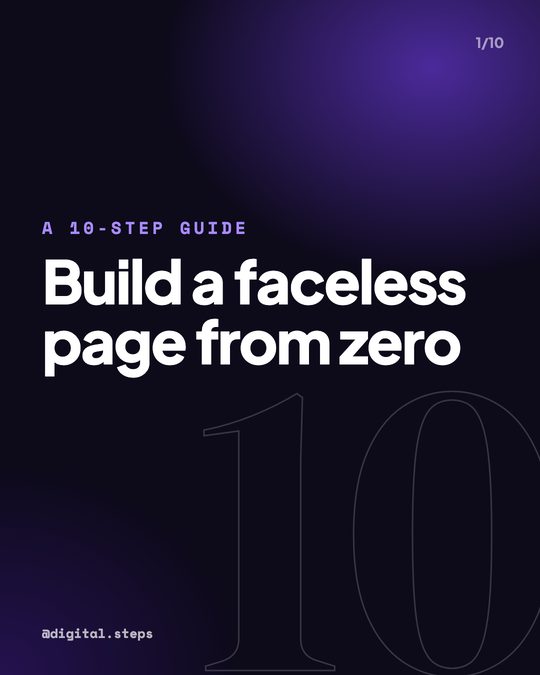
This is real ScrollStop output — the "List your first printable" example, in the Step Deck template. Every word is editable, and your Brand Kit sets the colours and fonts.
You paste
yourblog.com/first-etsy-printable
How to list your first printable on Etsy
An article, a topic in a sentence, or a screenshot of a post that did well.
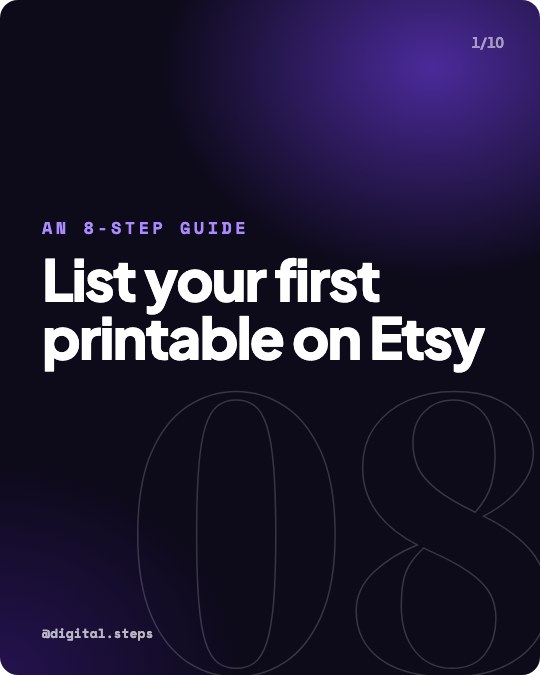


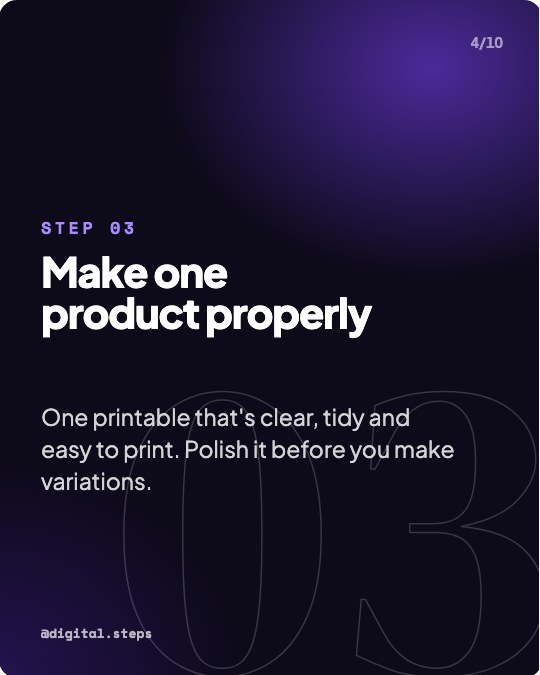

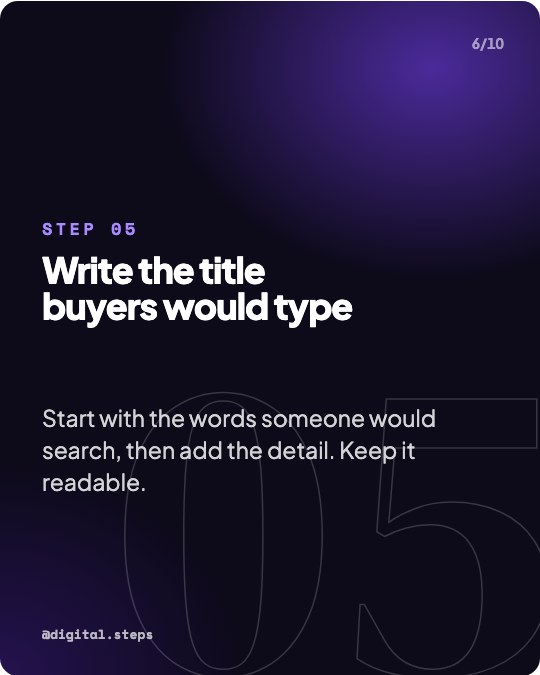
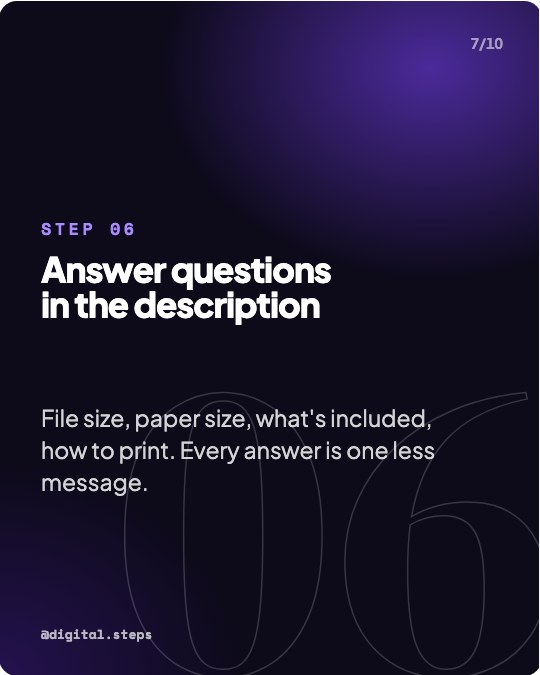
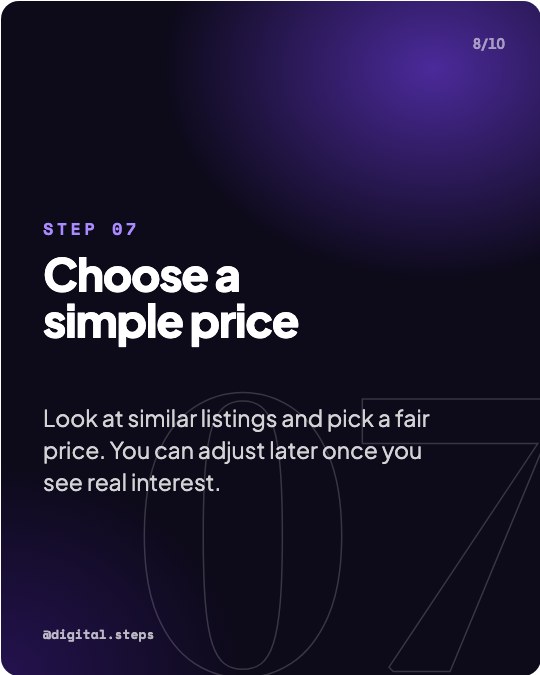
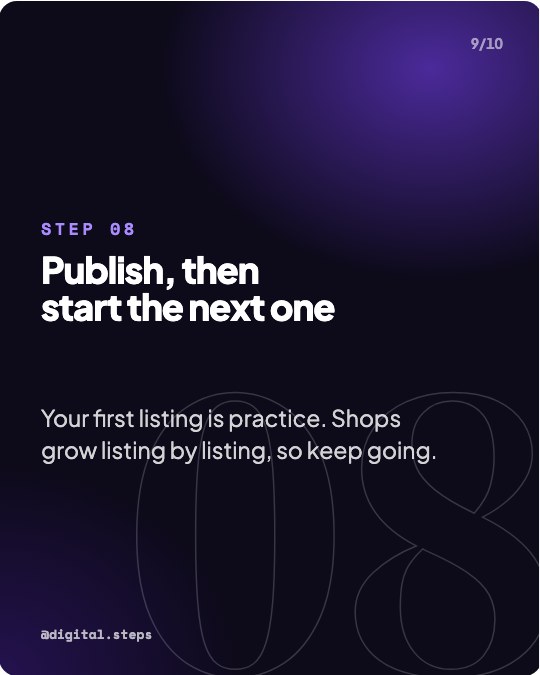
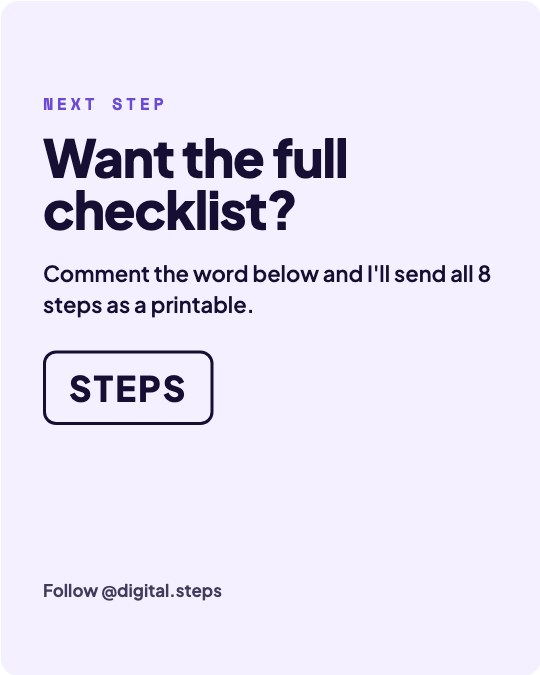
Scroll the slides sideways. ScrollStop also writes the caption and exports all ten as 1080×1350 PNGs in one ZIP.
Opens for purchase Oct 20, 2026 at 9:00 PM US Central.
13 templates
Pick a look that fits the topic.
Twelve complete designs plus a Product Showcase style for the last slide. Choose one per carousel or save a default in your Brand Kit. Every word stays editable.

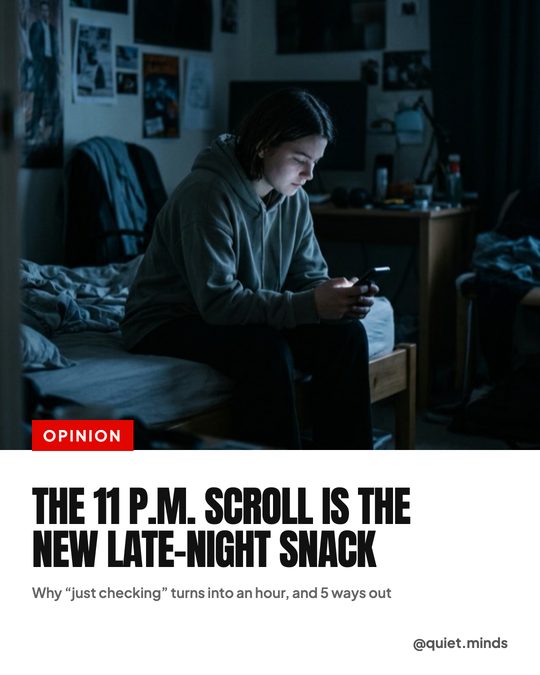
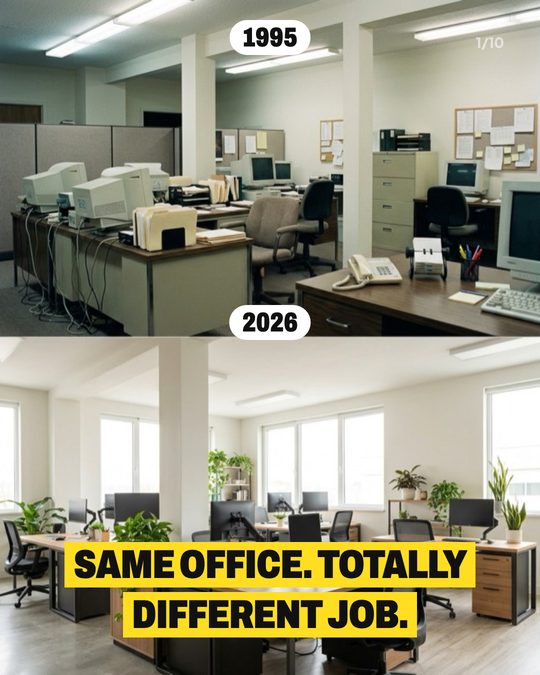
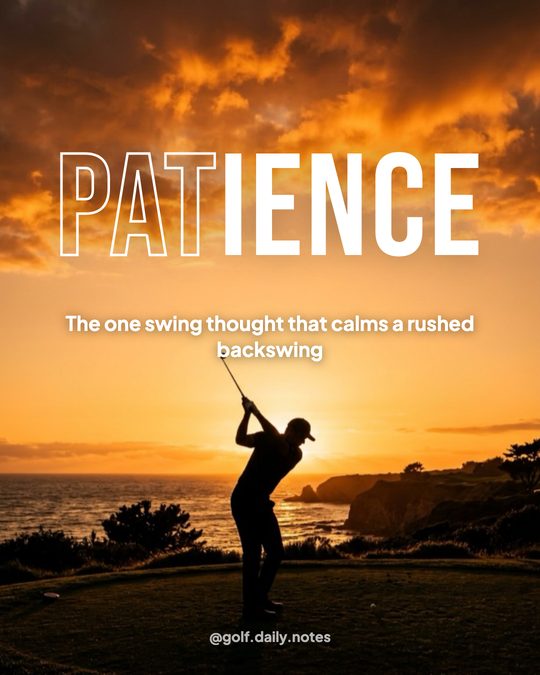
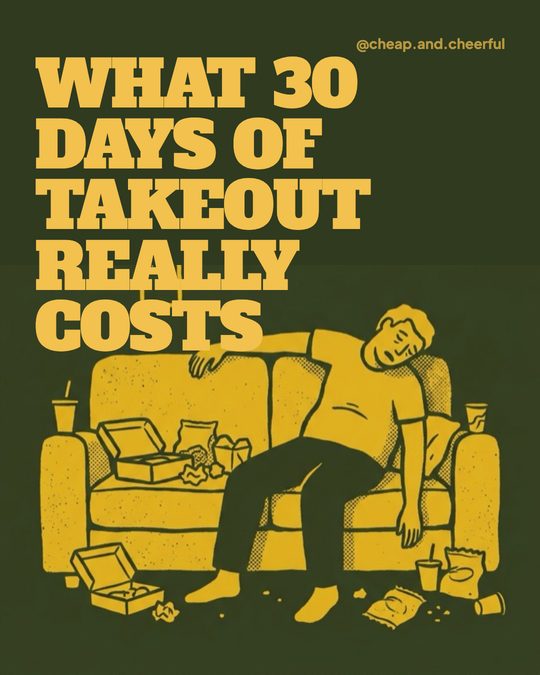
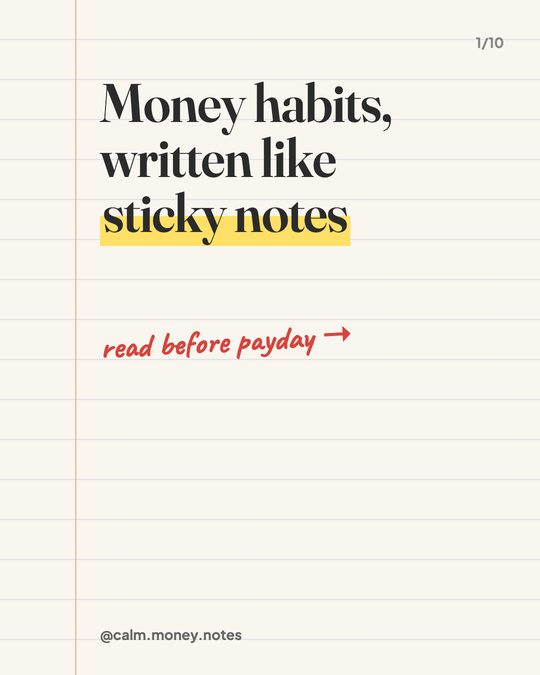
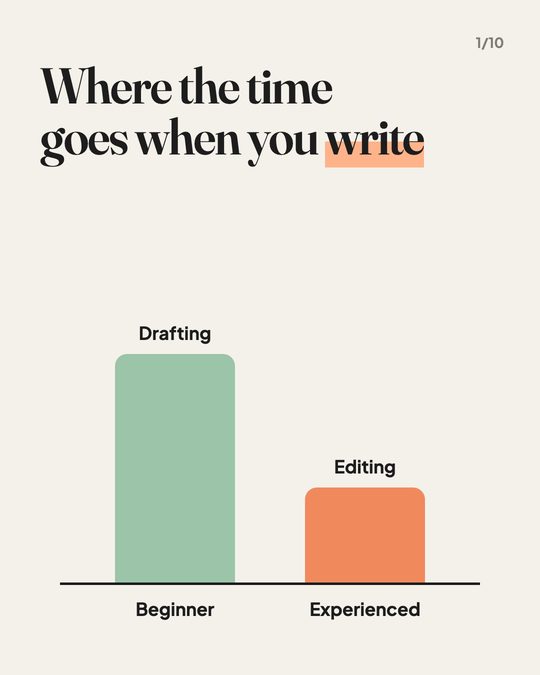
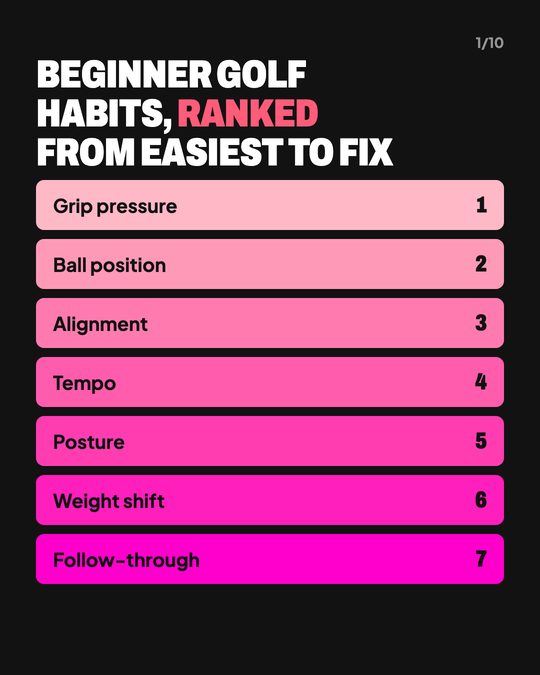

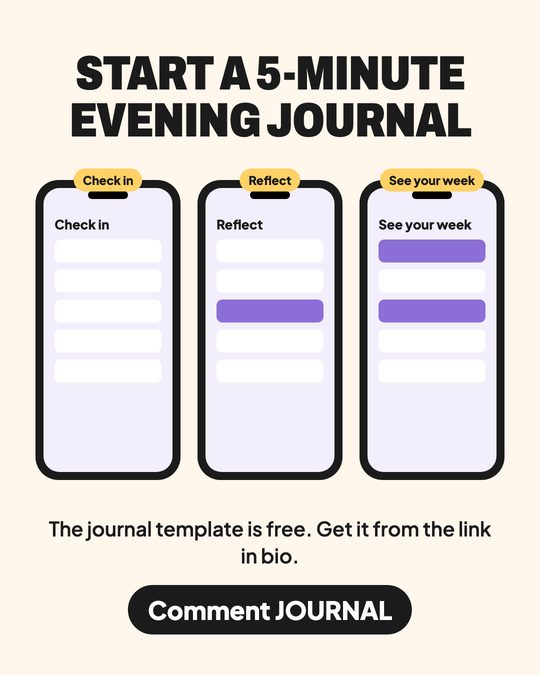
Product Showcase CTA
A last-slide style for any template: three phone-screen panels pointing to your own product, template or freebie. Use it as slide 10 on any of the twelve designs above.
Example designs; text and images are samples. “1 AI image” means an AI hook image on the Budget, Pro or Custom preset — on the Free preset the template uses its built-in background or your own photo.
How it works
Four steps, one browser tab.
- Step 1
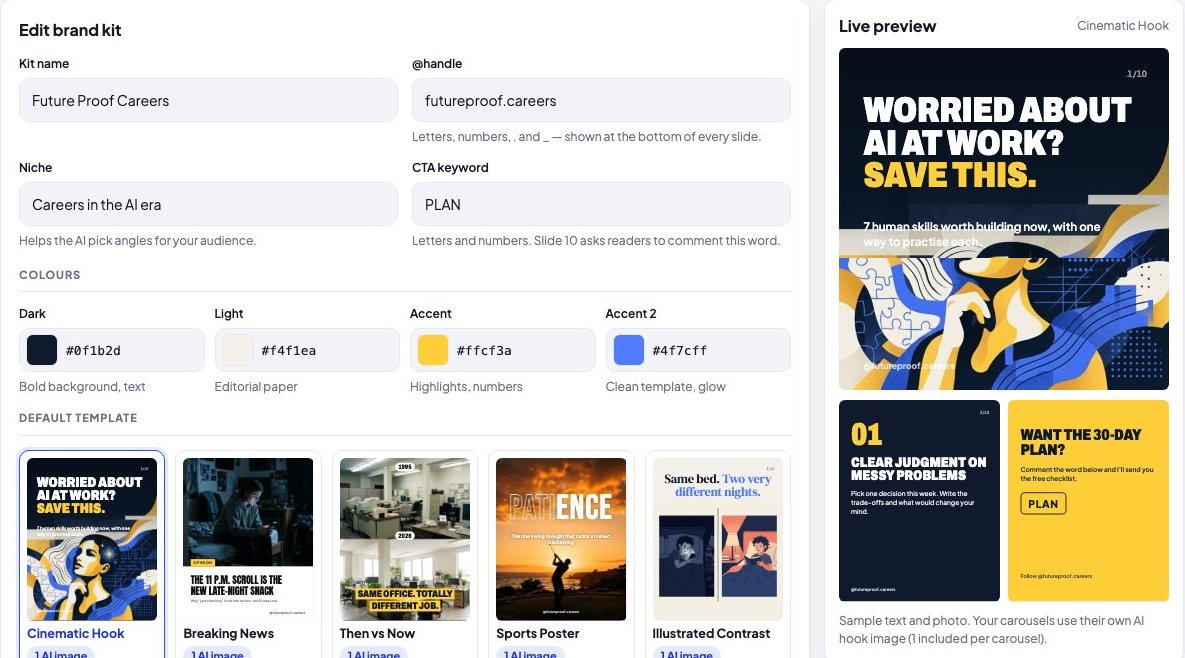
Set up once
Your Brand Kit — fonts, colours, logo, @handle, default template, optional mascot. Then connect your OpenRouter account in one click, or use Free mode.
- Step 2
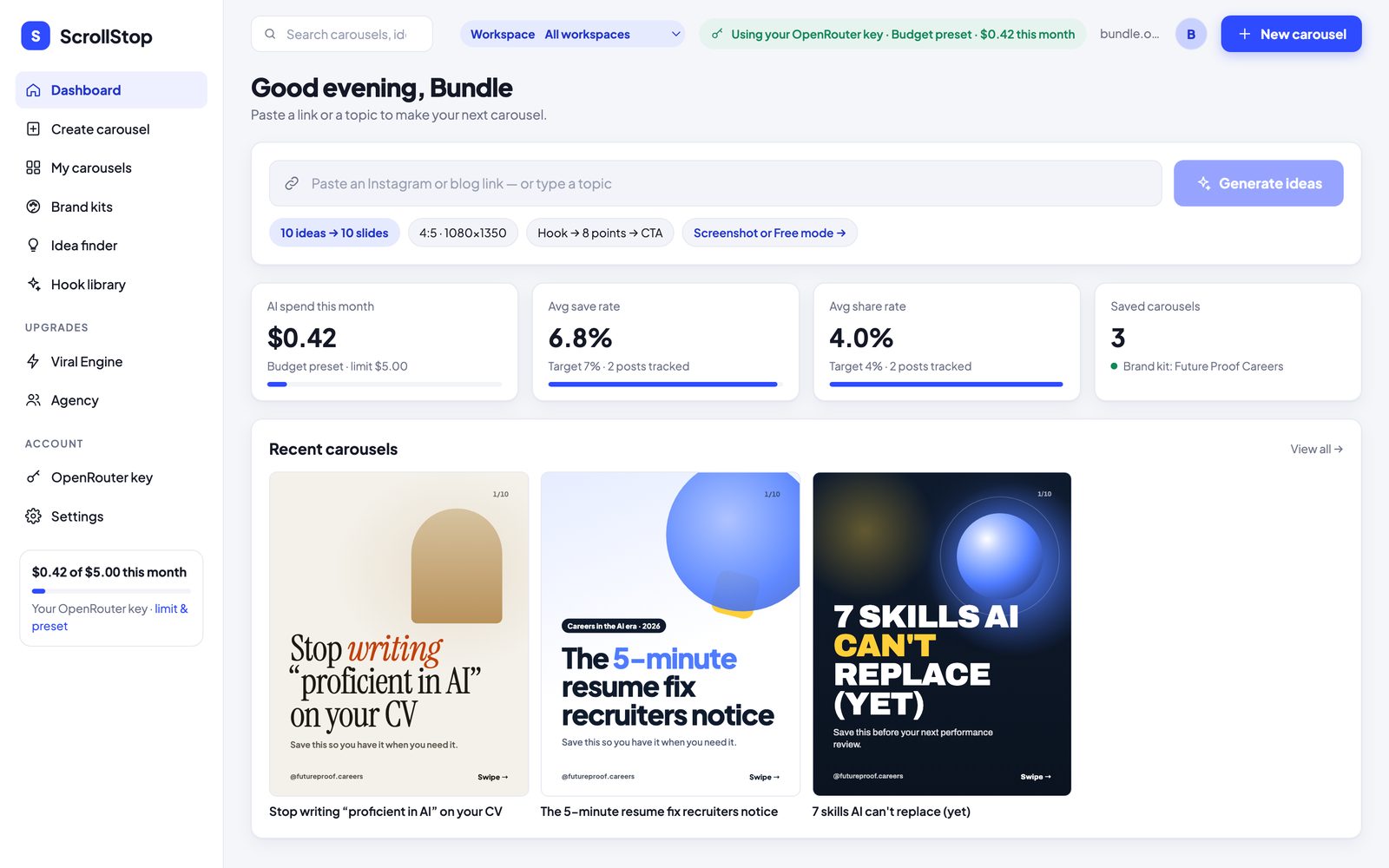
Paste a source
A link to an article, a topic in a sentence, or a screenshot of a post that did well. You get 10 carousel ideas; pick one.
- Step 3
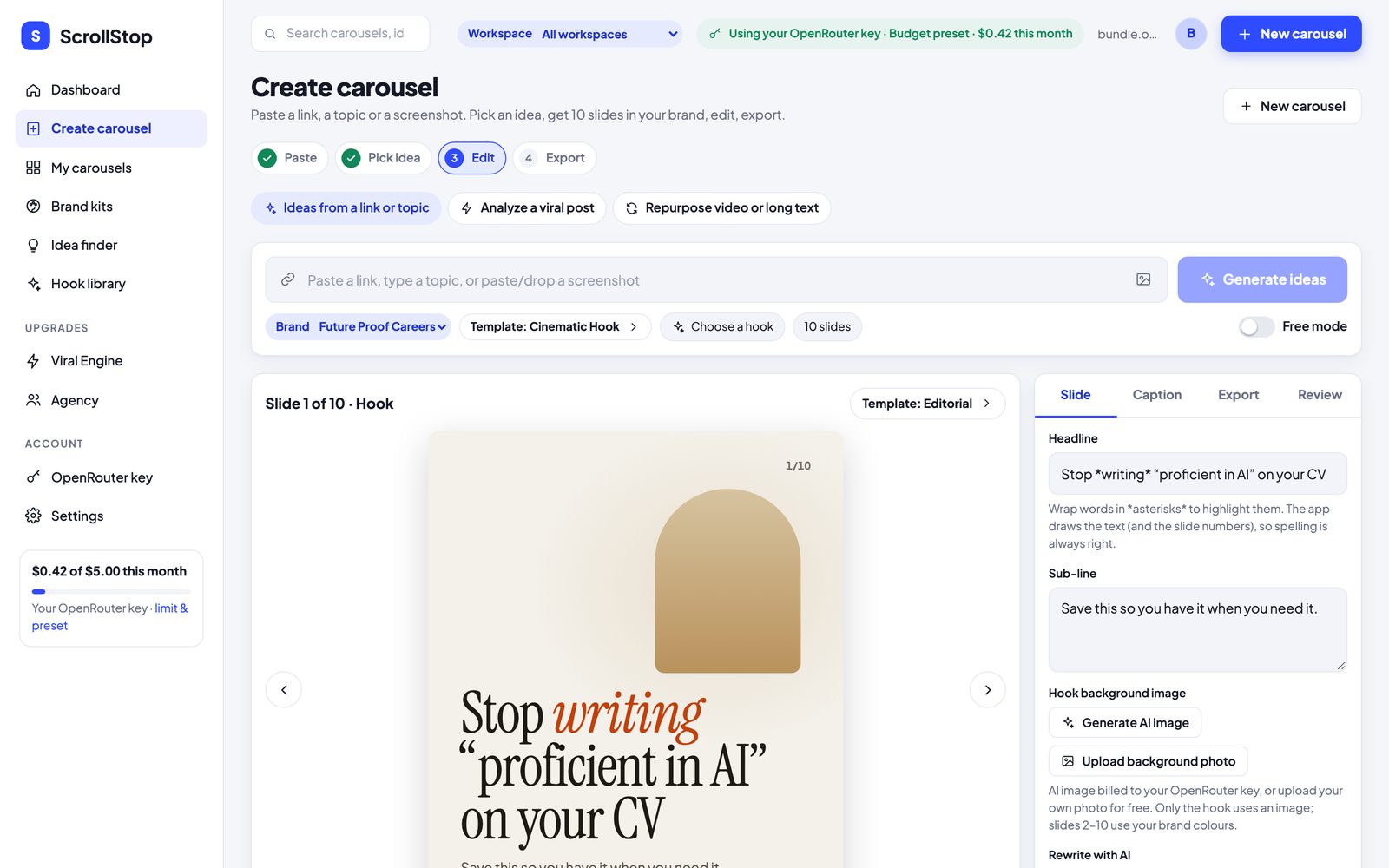
Get 10 slides, then edit
Hook, eight points, call to action — laid out in the template you picked. Change any word.
- Step 4
Export and post
Download the PNGs and caption, post them yourself, then log your saves and shares to see what worked.
The structure follows publicly known carousel practice: a first slide whose only job is the hook, one idea per slide, a call to action at the end, written to be saved and shared. Nothing secret — the app just makes it quick to follow every time.
Fit check
What it works on — and what it doesn't.
Read this before you buy. It's cheaper for both of us.
Works well
- Educational topics: tips, how-tos, lists, mistakes, lessons, comparisons
- Links to articles, blog posts and other readable web pages
- A topic you type in a sentence or two
- A screenshot of a post that did well, used for its structure
- One brand with a consistent look across every carousel
Does not
- Post to Instagram for you — you download the slides and caption and post them yourself
- Make Reels, videos or single-image posts
- Include AI credits — AI runs on your own OpenRouter account, or in Free mode with your own chatbot
- Put AI images on every slide — the AI image is for the hook slide, on paid presets only
- Read every link — if a site blocks it, paste a screenshot or the text instead
- Promise views, followers or sales
Simple rule: if the idea can be told as one hook plus eight short points, ScrollStop can build it.
Features
What it does, what that gets you, and why it matters.
Ideas and a full carousel from one source.
- Paste a link, a topic or a screenshot — ScrollStop gives you 10 carousel ideas from it, so you never face a blank screen… which means the hardest part of posting — deciding what to say — takes seconds instead of an evening.
- Pick one idea, get a full 10-slide carousel and caption — hook, eight one-point slides and a call to action… which means posting regularly stops depending on how much energy you have left after work.
- Screenshot a post that did well — ScrollStop uses its structure as the starting point for your own topic… which means you learn from what already works in your niche without copying anyone's words.
Every carousel looks like you made it on purpose.
- A Brand Kit: fonts, three colours, logo, @handle and a default template — set it once and every carousel comes out on-brand… which means people start recognising your posts before they read your name.
- An AI mascot in four poses for the Mascot Talk template — a friendly character for your page that isn't you… which means you get the warmth of a personal brand without appearing on camera. (Needs a paid image model, not the Free preset; up to 3 mascot generations per Brand Kit per month.)
- 13 templates, and switch any carousel to another one — twelve complete designs plus a Product Showcase last slide that points to your own product, template or freebie… which means every topic gets a look that fits it, without losing your brand.
Ten slides you can actually edit.
- Text drawn by the app, not by an image model — letters never come out garbled and every word stays editable… which means you never post a slide with a typo baked into the picture.
- One-click AI rewrite — one slide, all slides or the caption — a flat line becomes a sharper one without retyping… which means you stay the editor-in-chief, not the person typing at midnight.
- An AI hook image on paid presets, or your own photo — the picture on slide 1 is the one that has to stop the scroll… which means your first slide gets the attention it needs.
- Export ten 1080×1350 PNGs and the caption in one ZIP — Instagram's 4:5 portrait size, ready to post… which means "almost done" never turns into "I'll finish it tomorrow".
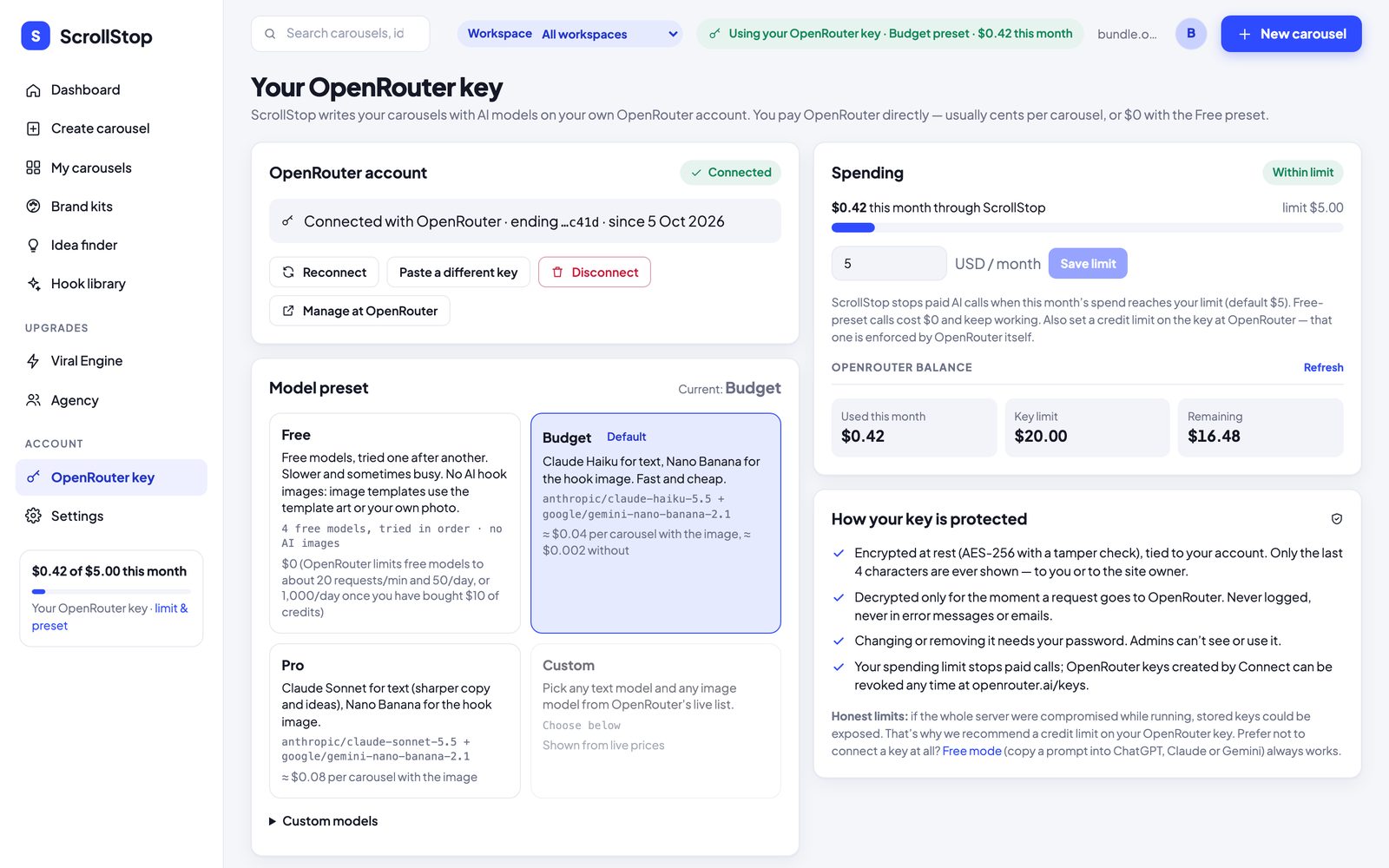
You stay in control of what you spend — and learn what works.
- Your own OpenRouter account, with Free, Budget, Pro and Custom presets — free models cost $0 and Budget is typically about $0.04 per carousel with an AI hook image… which means no credit packs, no monthly AI bill from us, and no carousel quota running out mid-week. Prefer not to connect anything? Free mode writes the prompt for your own ChatGPT, Claude or Gemini.
- A monthly spending limit (default $5) and encrypted key storage — a busy week never surprises you… which means you can use AI freely without watching a meter.
- The post check — log views, saves and shares after you post and see your save and share rates against simple targets… which means your next carousel is based on what your audience actually did.
Screenshots show the app with example content and example numbers — not a real account or real results.
Opens for purchase Oct 20, 2026 at 9:00 PM US Central.
Before you buy
AI runs on your own OpenRouter account.
ScrollStop doesn't sell AI credits and has no monthly fee. To use AI inside the app you connect your own OpenRouter account (free to create) with one click, or paste a key. OpenRouter bills you directly for paid models. Then pick a preset.
Prefer not to connect anything? Free mode is always available: ScrollStop writes the prompt, you paste it into your own ChatGPT, Claude or Gemini and paste the answer back. It makes no AI image.
| Preset | Carousel text | With an AI hook image | Good to know |
|---|---|---|---|
| Free | $0 | No AI image | OpenRouter's free models: slower and sometimes busy. OpenRouter limits them to about 50 requests a day until you've bought $10 of credits, about 1,000 a day after. |
| Budget default | about $0.002 | about $0.04 | Claude Haiku for text, Nano Banana for the hook image. |
| Pro | about $0.03 | about $0.07 | Claude Sonnet for sharper copy and ideas. |
| Custom | Shown in the app | Any model from OpenRouter's list, at its current price. | |
Typical costs per carousel, worked out from OpenRouter's published prices in October 2026. Prices are set by OpenRouter and can change. We also recommend setting a credit limit on your OpenRouter key itself.
Honest filter
Is ScrollStop for you?
It's for you if…
- You teach something — a skill, a niche, a craft — and want to share it on Instagram without filming yourself
- You sell digital products, coaching or courses and want posts that lead people to them
- You're fine connecting your own OpenRouter account — or using Free mode
- You'll read and tweak each carousel before posting
- You work on a computer at least some of the time
It's not for you if…
- You want AI credits included in the price
- You want Reels, video or automatic posting — ScrollStop makes carousels, and you post them yourself
- You want to sell carousels to clients — that needs the Agency upgrade's commercial licence
- You want a promise of followers, leads or sales — no honest tool can make one
Everything you get
Here's everything you get today for $17, one time.
The full 60+ framework Hook Library is part of the optional Viral Engine upgrade, not the front end.
Also inside
- 1 Brand Kit: fonts, 3 colours, logo, @handle, default template and a mascot
- Link, topic or screenshot → 10-slide carousel (hook, 8 points, CTA) and caption
- Connect your own OpenRouter account with Free, Budget, Pro or Custom presets — no ScrollStop carousel quotas (fair-use rate limits apply)
- Slide editor, AI rewrites and caption writer
- Free mode with your own ChatGPT, Claude or Gemini — always available
- Monthly spending limit (default $5) and encrypted key storage
- ZIP export of 1080×1350 PNGs + caption, and the post check calculator
- Personal-use licence: use the carousels on your own pages
ScrollStop
One-time payment, no recurring charges. Paid AI models are billed by OpenRouter to your own account.
Opens for purchase Oct 20, 2026 at 9:00 PM US Central.
Get ScrollStop — $17Secure checkout via WarriorPlus. Optional upgrades — and an optional DT Labs Membership with a recurring fee — are offered after checkout; none are required.
30-day refund policy on your ScrollStop payment (OpenRouter charges are between you and OpenRouter). Read the refund policy.
Our promise
30 days to decide.
Use ScrollStop for 30 days. Make carousels, try the templates, set up your Brand Kit. If it isn't for you, email support@dtlabs.app within 30 days of purchase and we'll refund your ScrollStop payment.
OpenRouter charges are between you and OpenRouter, since they bill your own account. That's the whole risk: $17, for 30 days, and you can take it back. Read the refund policy.
FAQ
Questions, including the limits.
What do I need to use ScrollStop?
A computer with a modern browser (a desktop or laptop is easiest). For AI inside the app, an OpenRouter account — free to create — connected with one click or by pasting a key. Or use Free mode with your own ChatGPT, Claude or Gemini. You log in at dtlabs.app.
Is there a limit on how many carousels I make?
ScrollStop has no monthly carousel quota. Fair-use rate limits apply to prevent abuse; if you make a lot of requests in a short time, the app asks you to wait a few minutes.
The limits that matter are on your side: OpenRouter's daily limits on free models, your OpenRouter balance for paid models, and the monthly spending limit you set in ScrollStop. Mascot generation is limited to 3 per Brand Kit per month.
What happens when I reach a limit?
OpenRouter's free-model daily limit — OpenRouter declines further free requests until it resets. Switch to Budget or use Free mode in the meantime.
Your ScrollStop spending limit — paid AI requests stop until next month or until you raise the limit. Free models and Free mode keep working.
Your OpenRouter balance runs out — OpenRouter declines paid requests until you add credits there. Free models and Free mode keep working.
Is there a monthly fee?
Not for ScrollStop. You pay $17 once for the software; there's no ScrollStop subscription and we sell no AI credits. If you use paid models, OpenRouter bills that usage to your own account — typically about $0.04 per carousel with an AI hook image on Budget. Free models cost $0 within OpenRouter's daily limits.
After checkout we also offer the optional DT Labs Membership ($27/month or $197/year, billed until you cancel), which opens every paid DT Labs app. You don't need it to use ScrollStop.
Do I have to pay OpenRouter?
No. Creating an OpenRouter account is free, and the Free preset uses OpenRouter's free models at $0 — slower, and with no AI images. Free mode doesn't need OpenRouter at all. You only pay OpenRouter if you choose a paid preset.
How is my OpenRouter key stored?
Encrypted on our server and tied to your account. Only the last four characters are ever shown. It's decrypted only for the moment a request goes to OpenRouter, and it's never written to logs or emails. Changing or removing it needs your password. If you connect with the one-click option, you can revoke that key any time at openrouter.ai.
Will ScrollStop post to Instagram for me?
No. You download the slides and the caption and post them yourself, from your phone or computer. ScrollStop never logs in to your Instagram account.
What if a link won't load?
Some sites, including Instagram itself, block automated reading. When that happens, ScrollStop tells you, and you paste a screenshot or the text instead.
Can I make carousels for clients?
The ScrollStop licence covers your own pages. Making and selling carousels for clients needs the Agency upgrade, which adds unlimited Brand Kits, client approval links and a commercial licence.
What about refunds?
ScrollStop is covered by our 30-day refund policy: if it doesn't work as described or you're not satisfied, email support@dtlabs.app within 30 days of purchase, or request it through your WarriorPlus purchase page. A refund covers what you paid us; it doesn't cover charges OpenRouter bills to your own account.
Who makes ScrollStop?
DT Labs LLC, a small software company in Kalispell, Montana, founded by Dau Le. We make tools for people who create and sell digital products. More about us.
One-time payment · 30-day refund policy
P.S. You've already seen what the old way costs: an evening per post, four tabs open, and an account you've started avoiding. Every week you keep doing it that way is another week of lessons you meant to share and didn't.
ScrollStop gives you a different vehicle — ten slides, in your brand, built to be saved and sent, without a camera, a design skill or an ad budget. It's $17 once, and you have 30 days to decide whether it earns its place.
Opens for purchase Oct 20, 2026 at 9:00 PM US Central.
Source: 1 Adam Mosseri, head of Instagram, on the signals Instagram ranks by — sends, likes and watch time — as reported by Social Media Today. Instagram's systems change over time.
Earnings disclaimer: ScrollStop is a software tool. We make no promise that you will earn any money, gain followers or reach any audience by using it. Your results depend on your own work, niche and market. Feature descriptions on this page describe what the software does; they are not a promise of views, followers, leads or sales.